9 Best Free AI Video Generators in 2026


9 Best Free AI Video Generators in 2026
Spending hours learning video editing software to produce one clip that gets 50 views is the wrong bottleneck. The best free AI video generators let beginner creators skip the production learning curve entirely and publish professional-looking video from a text prompt or a single image.
Kling AI stands out with 66 free credits every 24 hours and the most realistic motion of any free-tier tool, while Funy AI requires zero sign-up to start generating. This list draws from a directory of over 200 AI tools, ranked by free tier depth, output quality, and real user feedback to surface the 9 strongest options for creators starting with zero budget.
Quick Picks
| Tool | Best For |
|---|---|
| Kling AI | Best overall free AI video generation |
| A2E AI Videos | Multi-model video creation with voice cloning |
| Funy AI | No sign-up instant video generation |
| Atlabs | Script-to-storyboard video creation |
| Higgsfield | Cinematic camera movements and VFX |
| Kreado AI | Multilingual avatar videos |
| Synthesia | Enterprise-grade AI avatar presentations |
| Artta AI | Access to 10+ AI models in one platform |
| Leadde | Document-to-video conversion |
Full Comparison
| Tool | Best For | Starting Price | Key Feature |
|---|---|---|---|
| Kling AI | Overall free video generation | Free (66 credits/24h) | Native audio-video sync generation |
| A2E AI Videos | Multi-model creation | Free (30 credits/day) | 20+ AI tools in one platform |
| Funy AI | Zero-friction generation | Free (30+ credits, no signup) | No account required |
| Atlabs | Script-to-video | Free tier available | Consistent character casting |
| Higgsfield | Cinematic content | Free (limited models) | 70+ camera presets |
| Kreado AI | Multilingual avatars | Free (180 K-coins) | 140+ language support |
| Synthesia | Avatar presentations | Free (10 min/month) | 160+ languages, 9 avatars |
| Artta AI | Multi-model access | Free (1 credit/day) | Sora 2 + Veo 3.1 access |
| Leadde | Document-to-video | Free (10 min/month) | PPT/PDF to narrated video |
Kling AI: Best for Overall Free AI Video Generation
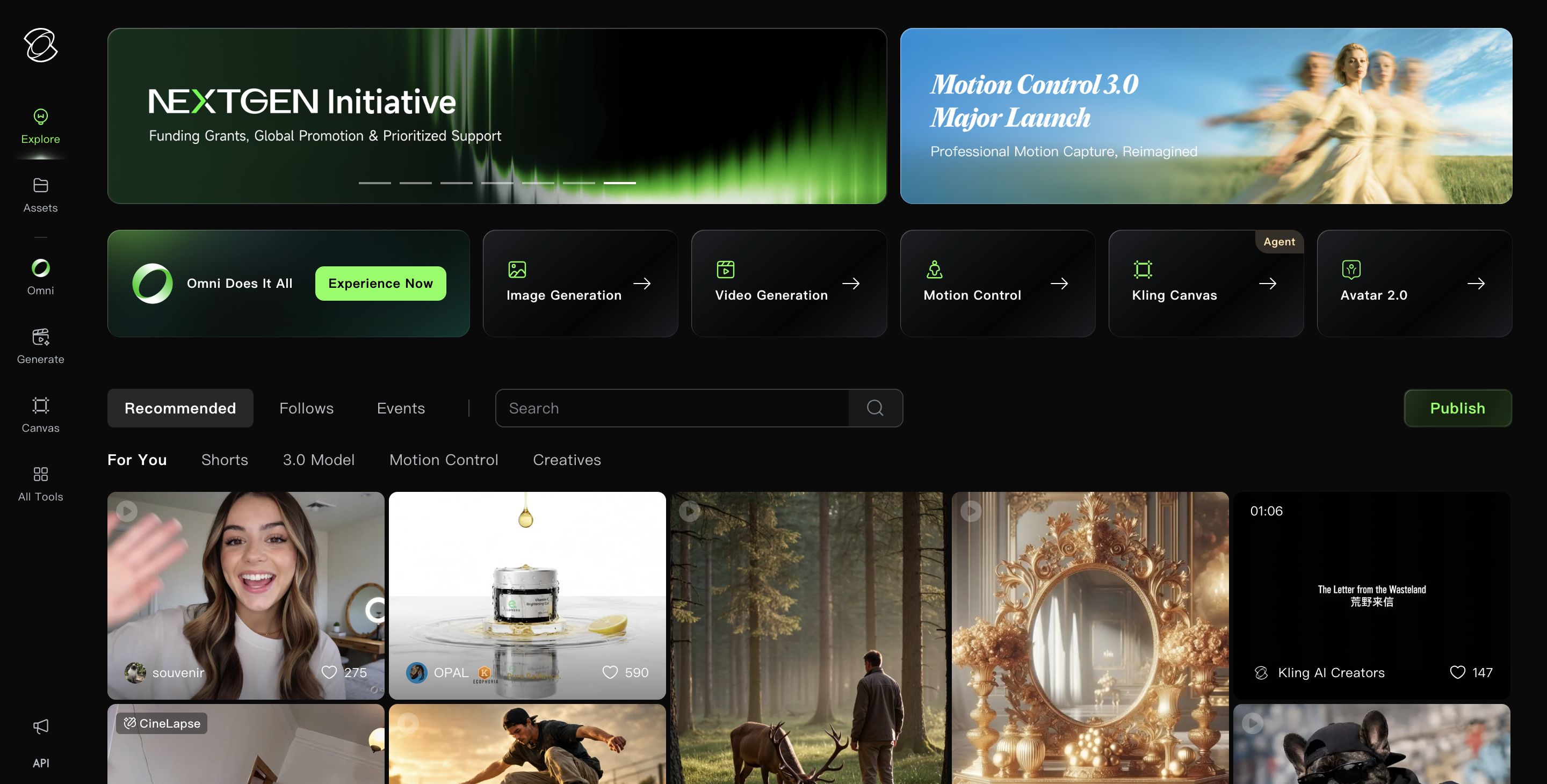
Kling AI tops this list for good reason. It delivers the most realistic motion physics of any free-tier tool, generates synchronized audio and video in a single pass with Kling 2.6, and provides 66 free credits every 24 hours. Over 6 million users have adopted the platform since its June 2024 launch.
Key features:
- Text-to-video and image-to-video generation with 1080p output
- Native audio-video sync (voiceovers, sound effects, ambient sound in one generation)
- Multi-element editing with up to 4 reference images for character consistency
- Motion Control for gestures, expressions, and lip-sync
- Video extension up to 3 minutes through chained clips
Pricing: Free tier includes 66 credits per 24 hours with no monthly credits. Paid plans start at $6.99/month (Standard) with 660 monthly credits, 1080p output, and commercial use rights.
Pros:
- Best image-to-video motion quality in 2025; an AI filmmaker from Curious Refuge (25K+ subscribers) called it "best image-to-video tool in 2025" (AI Tool Analysis)
- Ranked #1 on Product Hunt (November 2024); production teams report creating "promo videos in hours instead of days" (Dreamlux)
- Kling 2.6 introduced native audio generation, eliminating the need for separate voiceover tools
Cons:
- Free-tier generation queues can reach up to 3 hours during peak times (Fritz AI)
- Results become inconsistent on clips longer than 10 seconds
- Credit limits feel restrictive for creators producing more than 2-3 clips per day
A2E AI Videos: Best for Multi-Model Video Creation
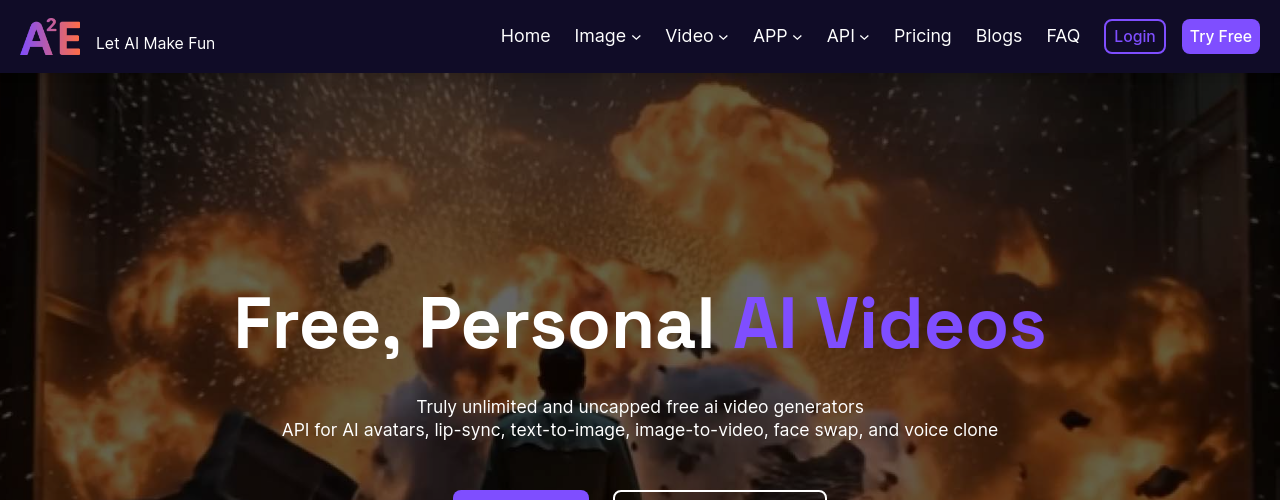
For creators who want model flexibility rather than committing to a single engine, A2E AI Videos is worth a look. It bundles over 20 AI tools into a single interface, including Wan 2.6, Kling, Seedance, and Veo 3.1, so beginners can compare outputs across models without managing multiple subscriptions. The AI video software market is projected to grow from $1.23 billion in 2025 to $21.61 billion by 2034 (Intel Market Research).
Key features:
- Image-to-video generation using multiple models (Wan 2.6, Kling, Seedance, Veo 3.1)
- Voice cloning in 50+ languages with cross-language translation
- AI face swap and head swap for personalized content
- Lip sync and talking photo generation
- REST API with no-code sandbox for developer integration
Pricing: Free plan provides 30 daily credits (check-in required) with watermarked 720p output. Pro starts at $9.90/month with 1,800 credits, no watermarks, and up to 2K video resolution.
Pros:
- Multiple video models in one platform give beginners room to experiment; verified users praise it as "fast, reliable" with "multiple images to base your work on" (A2E.ai)
- Voice cloning across 50+ languages makes it strong for multilingual content and e-learning
- Unique head swap capability (not just face swap) sets it apart from competitors
Cons:
- Interface has a learning curve; one reviewer noted it is "powerful but takes time to learn" (ZenCreator)
- Smaller user ecosystem compared to Kling or Synthesia
- Free tier output is watermarked and capped at 720p resolution
Funy AI: Best for No Sign-Up Instant Video Generation
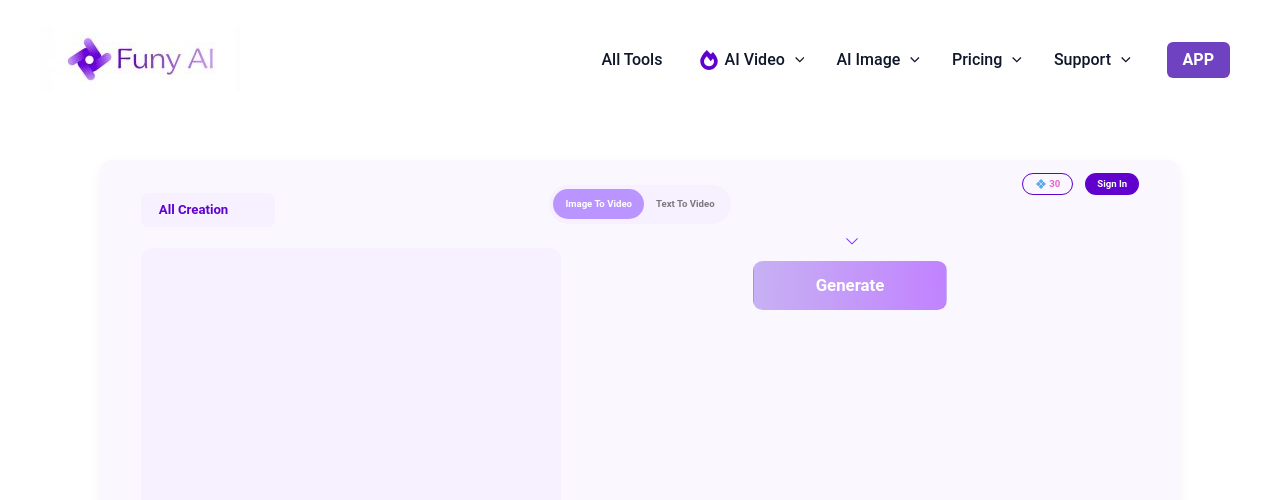
Funy AI has the lowest barrier to entry on this list. No account creation, no email, no credit card. You get 30+ free credits immediately and can start generating text-to-video, image-to-video, and AI art in your browser.
Credits never expire, so creators who produce content irregularly never lose their balance. With monthly active users across AI video platforms surpassing 124 million in January 2026 (ViVideo), zero-signup tools like Funy AI capture demand from creators who want to experiment before committing.
Key features:
- Text-to-video and image-to-video generation with no sign-up required
- 30+ free starter credits that never expire
- AI art generation across photorealistic, cartoon, anime, and abstract styles
- Specialized video effects (dance, Ghibli style, face swap, background remover)
- Works on Windows, Mac, iOS, and Android via browser
Pricing: Free tier includes 30+ credits with no account needed. One-time credit packs: Standard ($24.99 for 3,000 credits at 720p), Premium ($79.99 for 20,000 credits at 1080p), Deluxe ($149.99 for 60,000 credits at 1080p). No monthly subscriptions.
Pros:
- Lowest barrier to entry of any tool on this list; no sign-up and no expiring credits (AI Tools Inc)
- One-time payment model (no recurring charges) suits creators with irregular output schedules
- Broad library of specialized video effects covers trending social media formats
Cons:
- No independent reviews on G2, Capterra, or TrustRadius as of April 2026; limited third-party validation
- Output quality not independently benchmarked against tier-1 models like Kling or Runway
- VIP upgrade required for full commercial use and higher resolution output
Atlabs: Best for Script-to-Storyboard Video Creation
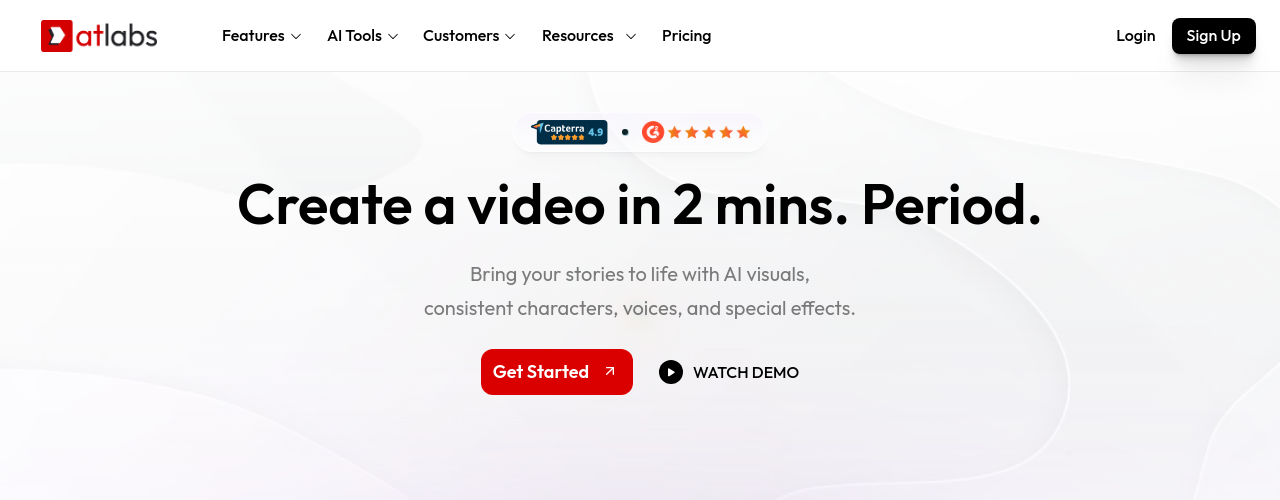
Atlabs is built for creators who start with a script rather than a visual concept. It transforms a rough idea or script into a scene-by-scene video with consistent characters, AI voiceovers in 40+ languages, and automatic lip sync. With 78% of marketing teams now using AI-generated video quarterly (ViVideo), tools like Atlabs remove the production crew requirement entirely.
Key features:
- Script-to-storyboard-to-video in one workflow
- Consistent character casting across every scene
- Ultra-realistic voiceovers in 40+ languages with auto lip sync
- 50+ built-in visual styles with frame-level editing
- 1080p and 4K export (plan dependent)
Pricing: Free plan includes base video creation access. Lite starts at $15/month with 1,800 annual credits, 20+ visual styles, and up to 2-minute videos. Pro at $29/month adds AI motion videos, character casting, and 100+ AI models.
Pros:
- Script-to-storyboard approach rated "intuitive and useful for quick iteration" by Trustpilot reviewers (Trustpilot)
- Generation time of 2-12 minutes vs. industry average of 15-30 minutes (TopVidTools)
- Software Finder users scored it 9-10/10 on functionality and value (Software Finder)
Cons:
- Output can look "too AI-generated" for some use cases, per Marketing & Advertising reviewer (Software Finder)
- User interface needs improvement according to multiple reviewers
- Pricing transparency is limited; no clear public tier breakdown on the website
Higgsfield: Best for Cinematic Camera Movements and VFX
Higgsfield sits at the cinematic end of the free AI video market. It provides 70+ camera movement presets, access to 15+ AI video models (including Kling 2.6, Veo 3, and Sora 2), and a Soul ID character system that maintains visual consistency across clips. AI video generation volume grew 840% between January 2024 and January 2026 (ViVideo), and Higgsfield positions itself squarely in that premium segment.
Key features:
- 15+ AI video models accessible from one account (Sora 2, Veo 3.1, Kling 3.0)
- 70+ cinematic camera presets for professional-grade motion
- Soul ID for consistent character appearance across generations
- Face swap, lip sync studio, and sound generation
- Model comparison: test the same prompt across different models
Pricing: Free tier provides limited model access with up to 2 parallel video generations. Starter at $15/month includes 200 credits. Plus at $25/month (annual) unlocks all models and Cinema Studio 3.0.
Pros:
- Deeper Insights awarded it 8/10, calling it "the best AI video generator for cinematic social media and marketing content" (Deeper Insights)
- Users praise the model variety: "saves me the time to jump from 1 AI to another" (Deeper Insights)
- 70% usable output rate in family content testing (AI Tools for Kids)
Cons:
- Motion quality scores ~3.6/10 for complex actions; "quiet scenes work well, but complex actions lead to chaos or artifacts" (Deeper Insights)
- Character consistency across multiple shots requires careful prompting
- Best results limited to 10-15 second clips; longer formats lose coherence
Kreado AI: Best for Multilingual Avatar Videos
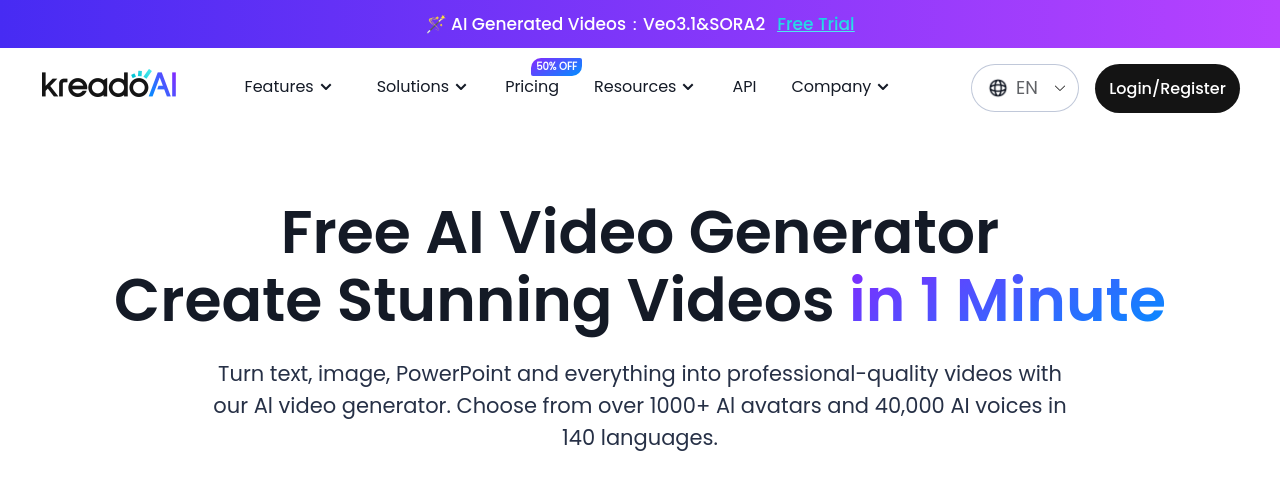
Kreado AI covers multilingual avatar video more thoroughly than any other free tool here. It offers 1,000+ digital avatars speaking in 140+ languages with accurate lip sync, and the free plan includes 180 K-coins (enough for about 3 minutes of video). The platform is rated 4.5/5 on Trustpilot from 53 reviews with 89% five-star ratings (Trustpilot).
Key features:
- 1,000+ AI avatars across diverse genders, ages, and ethnicities
- 140+ language support with lip-synced voiceovers
- Instant avatar cloning from your own footage
- Text, image, and PowerPoint-to-video conversion
- TikTok-style avatar video creation
Pricing: Free plan includes 180 K-coins, 5 avatars, 120+ voices in 31 languages, and 1 avatar clone. Premium starts at $19/month with 1,800 K-coins, 700+ avatars, and 40,000+ voices in 140 languages.
Pros:
- Trustpilot reviewers praise lip sync accuracy: "Pronunciation and lip sync were spot on. It even supports regional accents" (Trustpilot)
- Avatars rated as natural-looking: "not robotic like with some other tools I've tested" (Trustpilot)
- Core strength is "production power: any language, any voice in minutes" (Skywork AI)
Cons:
- K-Coin pricing system creates "operational friction" and confuses new users (Skywork AI)
- G2 reviewers note limited customization for branded content (G2)
- Weak collaboration features; difficult to use in multi-person workflows
Synthesia: Best for Enterprise-Grade AI Avatar Presentations
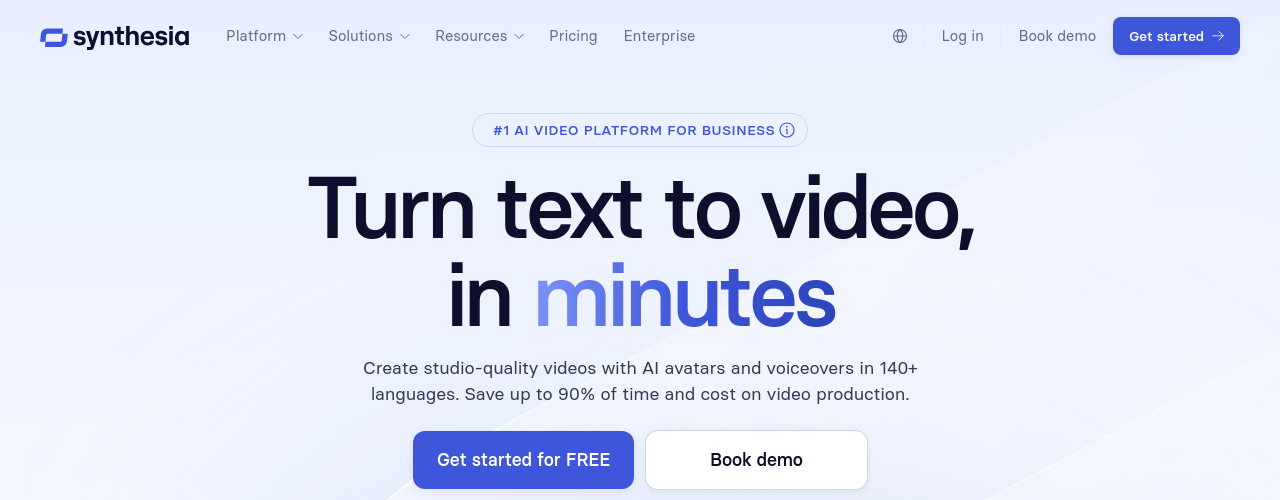
Synthesia is the most-reviewed AI video tool in the enterprise category: 2,375+ reviews on G2 (4.7/5) and 313 reviews on Capterra (4.6/5). For beginners building professional presentations, that review depth matters. The free plan provides 10 minutes of video per month with 9 avatars and 160+ languages, and organizations using Synthesia report up to 75% reduction in training video production costs (DataIntelo).
Key features:
- 9 AI avatars on free plan (125+ on Starter, 180+ on Creator)
- Personal avatar cloning from a short video recording
- 160+ language support with one-click translation
- Built-in editor with slides, screen recordings, and text overlays
- 60+ video templates for training, marketing, and corporate communications
Pricing: Free (Basic) plan includes 10 minutes/month, 9 avatars, and 160+ languages. Starter at $29/month provides 120 minutes/year and 125+ avatars. Creator at $89/month adds API access, branded video pages, and interactive videos.
Pros:
- Enterprise adoption at scale: "What used to take 4 hours now takes 30 minutes" (Rosalie Cutugno, Global Sales Enablement Lead, Synthesia)
- Proven ROI: "We saved $56K and hit 100+ custom videos" (Matt Wozar, Senior Director of Talent Development, Synthesia)
- Trusted by 50,000+ companies with enterprise features (SSO, SCORM export, brand kits)
Cons:
- Avatars "lack different facial expressions" and "tend to come off as robotic and uncanny" (Tavus)
- Free tier is effectively a trial (10 minutes/month with limited avatars)
- Not suited for dynamic or entertainment content; designed for corporate and training use cases
Artta AI: Best for Accessing 10+ AI Models in One Platform
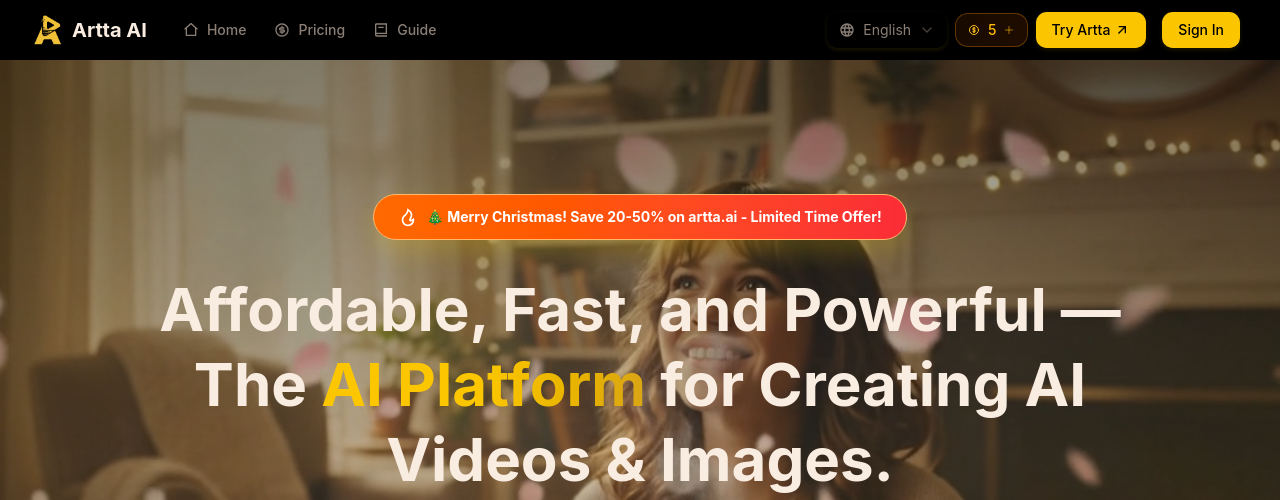
Artta AI was the first platform to integrate OpenAI's Sora 2 on launch day. It provides access to Veo 3.1, Kling 2.6, Flux, and 10+ other models from a single account, which makes it useful for beginners who want to compare model outputs before picking a primary tool. Monthly active users across AI video platforms surpassed 124 million in January 2026 (ViVideo), and Artta captures demand from creators who want model variety without juggling subscriptions.
Key features:
- 10+ AI models for video, image, music, and voice generation
- Text-to-video generation with Sora 2, Veo 3.1, Kling 2.6, and Seedance 2.0
- AI music generation via Suno V5 and voice synthesis via ElevenLabs
- Unified credit system across all media types
- Daily free credit with no subscription required
Pricing: Free tier provides 1 credit per day with no credit card required. Basic at $19.90/month includes 200 credits and up to 20 videos. Pro at $39.90/month adds 500 credits and 50 videos.
Pros:
- YouTuber Alex Chen reports "production time dropped from days to hours" using Sora 2 integration (Artta.ai)
- Rapid iteration: 3-4 significant updates per month with facial recognition accuracy reaching 95% (EasyAI)
- App Store reviewer praised output realism: "It looks so realistic I'm amazed" (EasyAI)
Cons:
- Free tier is extremely limited at 1 credit/day (enough for roughly 1 generation)
- Peak-hour slowdowns between 5-7 PM EST reported by reviewers
- No dark mode causes eye strain during extended sessions; music generation quality lags behind video quality
Leadde: Best for Document-to-Video Conversion
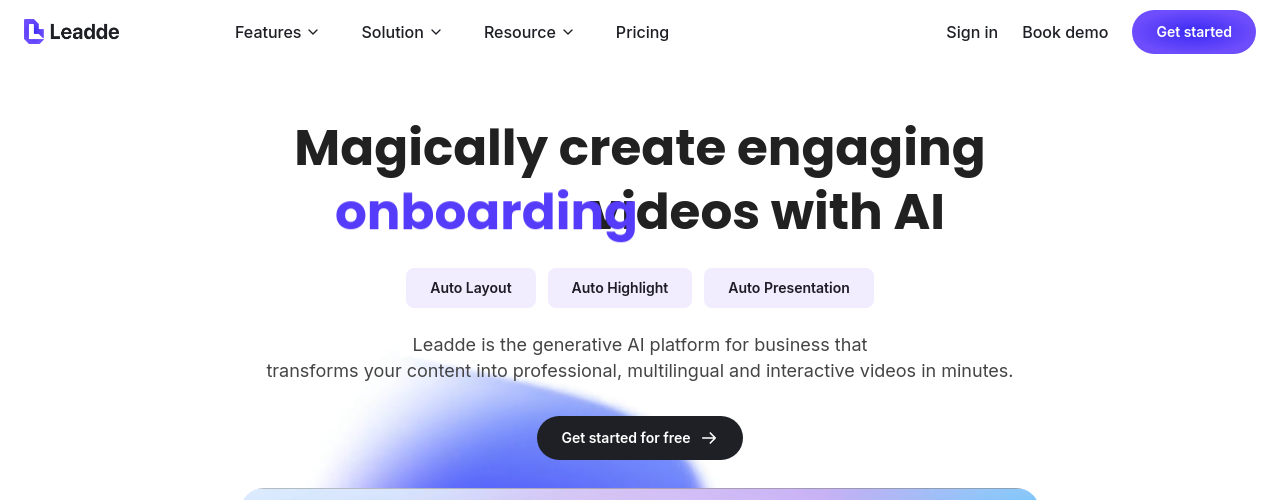
Leadde fills a specific gap: creators who already have slide decks or documents and need to turn them into narrated video without scripting or filming. It converts PowerPoint, PDF, Word documents, and plain text into narrated avatar videos in 170+ languages. AI-generated video content now accounts for 18% of all business video produced globally (Fortune Business Insights), and document-to-video tools like Leadde eliminate the production steps entirely for solo creators with existing materials.
Key features:
- Document-to-video conversion (PPT, PDF, DOC, DOCX, TXT input)
- 200+ AI avatars with narration in 170+ languages
- Interactive video chat for viewer engagement
- Auto-script generation from uploaded documents
- Magic highlight for key point emphasis
Pricing: Free plan includes 10 minutes of video per month, 1 personal avatar, 1 voice clone, and 80+ languages. Starter at $15/month provides 60 minutes, 200+ avatars, and 170+ languages with watermark removal.
Pros:
- Broadest document input support of any tool on this list (PPT, PDF, DOCX, scripts, plain text)
- 170+ language support with culturally diverse avatar options
- Interactive video feature (real-time viewer chat) is a genuine differentiator for e-learning creators
Cons:
- No independent reviews found on G2, Capterra, TrustRadius, or Trustpilot as of April 2026
- All performance claims (90% time reduction, 80% cost cut) are self-reported with no named case studies
- Pricing details beyond free tier are not clearly disclosed on the website
How We Chose These Tools
This list draws from a directory of over 200 AI video tools, filtered for freemium platforms that offer a genuine free tier (not just a time-limited trial). Each tool had to be accessible to Stage 1 creators: solo beginners with zero budget, no video editing experience, and limited time.
Three factors drove the evaluation: free tier depth (credits, output quality, watermark policies), real user feedback (from G2, Capterra, Trustpilot, TrustRadius, Reddit, and Product Hunt), and recent development momentum. The generative AI video creation market reached $0.39 billion in 2025 with a 20.7% CAGR (Research & Markets), making free tiers more competitive than ever.
Two tools on this list (Funy AI and Leadde) lack substantial independent review coverage. Their free-tier features fill specific gaps: Funy AI's zero-signup model and Leadde's document-to-video pipeline. The limited third-party validation is flagged in their individual entries.
Related AI Tools
Kling AI
Kling AI is Kuaishou's AI creative studio for video, image, and audio generation. It produces text-to-video and image-to-video content up to 1080p with strong character consistency, motion control, lip-sync, and native audio generation. The Kling 3.0 series introduces VIDEO 3.0 and VIDEO 3.0 Omni with multimodal instruction support. Paid plans start at $6.99 per month with a permanent free basic tier available.
Atlabs
Atlabs is an AI video creation suite that turns text, scripts, audio files, or existing videos into polished, fully-edited videos in minutes. It combines AI-generated visuals, consistent characters, auto lip-sync, voiceovers in 40+ languages, and full editing control, all powered by 50+ top AI models including Veo 3.1 and Kling.
Kreado AI
Kreado AI is an AI avatar video platform offering 1,000+ digital presenters across 140+ languages on paid plans. Create professional talking-head videos from text, images, or PowerPoint files using K-coins, its credit system. Features include TikTok avatar video, AI video translation, instant avatar cloning, and image-to-video. Used by marketing teams, e-learning creators, and content agencies producing multilingual video at scale with no cameras or studios needed.
Frequently Asked Questions
People Also Ask
Found this article helpful?
Share it with others or upvote to help more people discover it.