Lutra
Last updated:
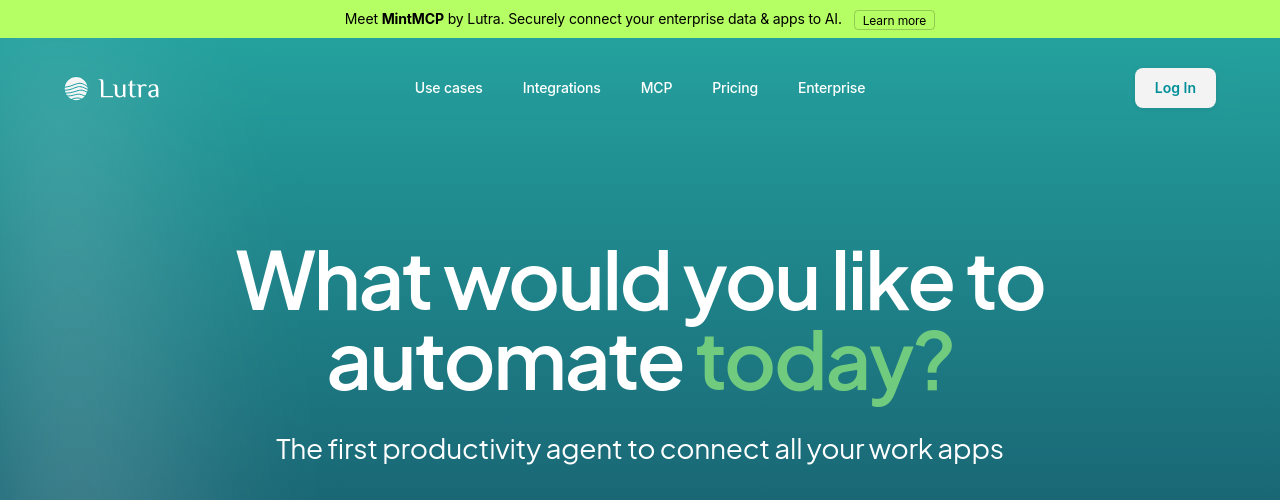
Lutra AI deploys intelligent agents that automate complex workflows across your business applications. You describe what you need in plain English, and Lutra writes and executes actual code to complete the task, integrating with Google Workspace, Microsoft Office, CRMs, and custom APIs. The platform organizes automations into Playbooks that you can save, share, and reuse across your organization. This standardizes processes and ensures consistent outcomes whether the task is lead enrichment, email outreach, data extraction from PDFs, or report generation. Lutra targets sales, finance, marketing, and operations teams doing repetitive data-intensive work. It connects previously siloed applications through deep integrations and coded automations, with SOC2 certification ensuring enterprise-grade security. Every action and piece of code is fully visible, giving teams audit trails and transparency over what the AI does.
How It Works
Describe your task in plain English through the Lutra interface. The AI agent interprets your request, breaks it into steps, and writes code to execute each one across your connected applications. For example, you might say ''enrich this spreadsheet of leads with company data from LinkedIn and update our CRM.'' Lutra connects to the relevant APIs, extracts the data, transforms it, and writes the results where you specify. The entire workflow is saved as a Playbook that anyone on your team can trigger again. Lutra supports Google Workspace (Gmail, Docs, Sheets), Microsoft (Outlook, OneDrive), major CRMs, and custom integrations via REST APIs and OpenAPI specifications. MintMCP, their enterprise connector, securely bridges your data and apps to the AI layer.
Key Features
- ✓Natural Language Automation: Create and run workflows by describing tasks in plain English without coding
- ✓Playbook Creation: Build reusable automated workflows that can be saved, scheduled, and shared across teams
- ✓Scheduled Automation: Run workflows automatically on a set schedule for recurring tasks
- ✓Data Enrichment: Enrich contact and company records with data pulled from web searches and external sources
- ✓Email Automation: Automate email drafting, sending, and inbox management via Gmail and Outlook
- ✓PDF Data Extraction: Extract structured data from PDF documents and export to spreadsheets or databases
- ✓CRM Integration: Connect with HubSpot, Airtable, and other CRMs to automate data entry and updates
- ✓Web Data Extraction: Scrape and collect data from websites for research, monitoring, and enrichment tasks
- ✓Google Workspace Integration: Work natively with Google Docs, Sheets, Gmail, and Calendar
- ✓Microsoft Integration: Sync with Outlook and OneDrive for email and file automation
- ✓SOC2 Compliant: Enterprise-grade security certification ensuring data privacy and protection standards
- ✓Team Collaboration: Share playbooks and automate workflows across your entire organization
Best For
Frequently Asked Questions
What is Lutra AI and what can it do?
Lutra AI is an intelligent assistant that helps you complete work tasks across multiple platforms. It can automate repetitive workflows, enrich data, send emails, extract information from documents, and integrate with tools like Google Workspace, Microsoft, Slack, HubSpot, and more. You describe what you want in plain English, and Lutra handles the execution.
How does Lutra differ from other AI assistants?
Unlike conversational AI that might hallucinate or lose context, Lutra executes actual code to complete your tasks reliably and verifiably. It connects to your real work apps, takes real actions, and saves successful workflows as reusable Playbooks so you can repeat them without re-explaining.
How does Lutra's credit system work?
Lutra uses a credit-based system for AI-intensive actions. Each account includes monthly credits that refresh automatically. More intensive tasks like web searches or data enrichment consume more credits than simple actions. Enterprise plans offer higher credit limits and custom allocations.
Which tools and platforms does Lutra integrate with?
Lutra integrates with Google Workspace (Docs, Sheets, Gmail, Calendar), Microsoft (Outlook, OneDrive), Slack, GitHub, HubSpot, Airtable, LinkedIn, and many more. It supports custom integrations via MCP (Model Context Protocol), HTTP/REST APIs, and databases like Supabase. Contact the team for custom integration needs.
What are Playbooks and how can I use them?
Playbooks are reusable workflows that can be saved, scheduled, and shared. As you work with Lutra, you can save common tasks as Playbooks to automate recurring work. Enterprise users can share Playbooks organization-wide to standardize processes and ensure consistent outcomes.
How does Lutra handle my data and privacy?
Lutra prioritizes data security and privacy. Your data is only accessed when needed to complete tasks you have requested. Lutra does not store your data long-term unless explicitly requested, and all connections use secure authentication protocols. Enterprise plans offer additional security features.
Is Lutra SOC-2 compliant?
Yes, Lutra is SOC-2 compliant. You can reach out to [email protected] for the certification. Lutra takes security and privacy seriously and is committed to protecting your data.
What does Lutra mean?
Lutra is a genus of otters. Otters are unique for being the only marine mammal to use tools, which reflects the product's focus on helping people get things done with intelligent, tool-using AI.