Sketch To
Last updated:
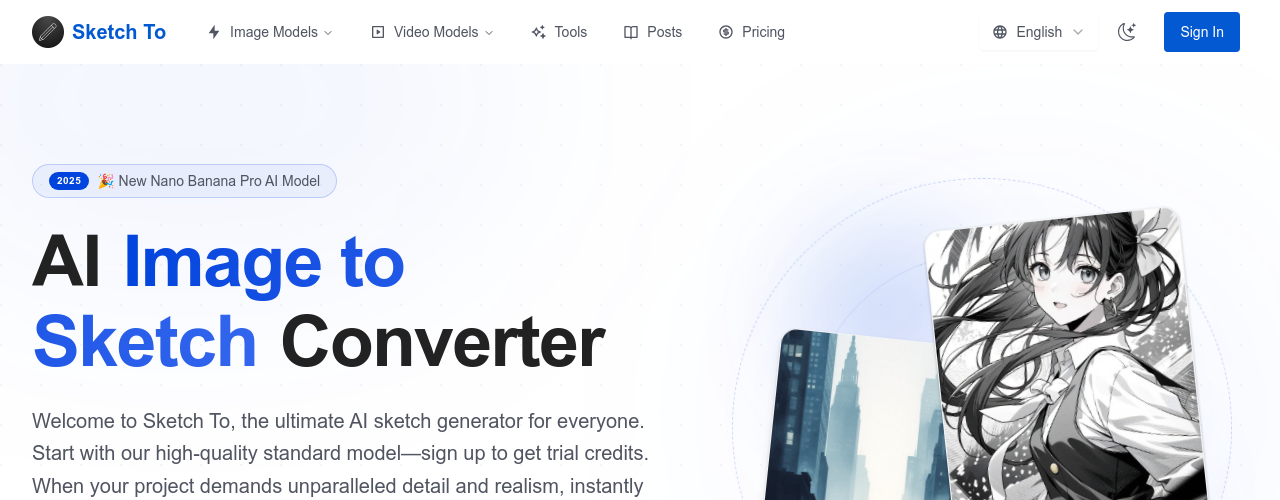
Sketch To is an AI tool built around two core conversions: sketch to image and image to sketch. Upload a rough drawing and the AI generates a polished version applying a style you choose — realistic, anime, painterly, or others. Run it in reverse and you can extract a line-drawing version from any photograph. The tool is accessible enough for non-designers. You don't need Photoshop skills or prompt engineering experience to get usable results. The workflow is upload, pick a style, generate, download — typically completed in under a minute. Common use cases include product concept visualization (sketch an idea and see a rendered version), social media content (turn a hand-drawn illustration into a polished graphic), and creative experimentation. The Pro plan adds a commercial license, which is necessary if you're using generated images in client work or selling them. Sketch To gives new users four free credits on signup, enough to test the tool before committing to a plan. Pricing is kept low relative to other AI image tools, making it viable for creators who want a dedicated sketch-conversion workflow without paying for a full Midjourney or Adobe Firefly subscription.
How It Works
Upload your source image to Sketch To's web interface — a hand-drawn sketch, a photo, or a digital drawing. Select the conversion direction (sketch to image or image to sketch) and choose from the available art styles. A style prompt field lets you add additional detail if you want more control over the output. The AI processes the image using a diffusion model conditioned on the uploaded source. Generation typically takes 10 to 30 seconds. Once the output appears, download it directly or run additional generations with adjusted settings. Sketch To stores your recent generations in session history so you can compare versions. The tool runs in the browser with no installation required. Account creation is optional for guest use but required to save history and access paid credits. Credits are consumed per generation — each image costs one credit regardless of style or resolution. The Basic plan provides a monthly credit pool; the Pro plan adds more credits and removes the personal-use restriction.
Key Features
- ✓Sketch to image conversion: Transform rough hand-drawn sketches into polished AI-generated artwork
- ✓Image to sketch conversion: Convert photos or digital images into clean line drawings
- ✓Multiple art styles: Choose from realistic, anime, oil painting, and pencil sketch presets
- ✓Custom style prompts: Add text prompts to guide the output beyond the preset style options
- ✓Commercial license (Pro): Use generated images in client work and commercial projects
- ✓No installation required: Runs entirely in the browser without downloading software
- ✓Fast generation: Produces results in seconds per image
- ✓Credit-based system: Monthly credit pools on subscription plans, plus one-time Credit Packs for top-ups
- ✓Session history: Recent outputs saved for comparison and download
- ✓Free starter credits: New users receive 4 free credits to test before purchasing
- ✓Product concept visualization: Turn rough product sketches into rendered concept images
- ✓Simple workflow: Upload, choose style, generate - no design or AI expertise required
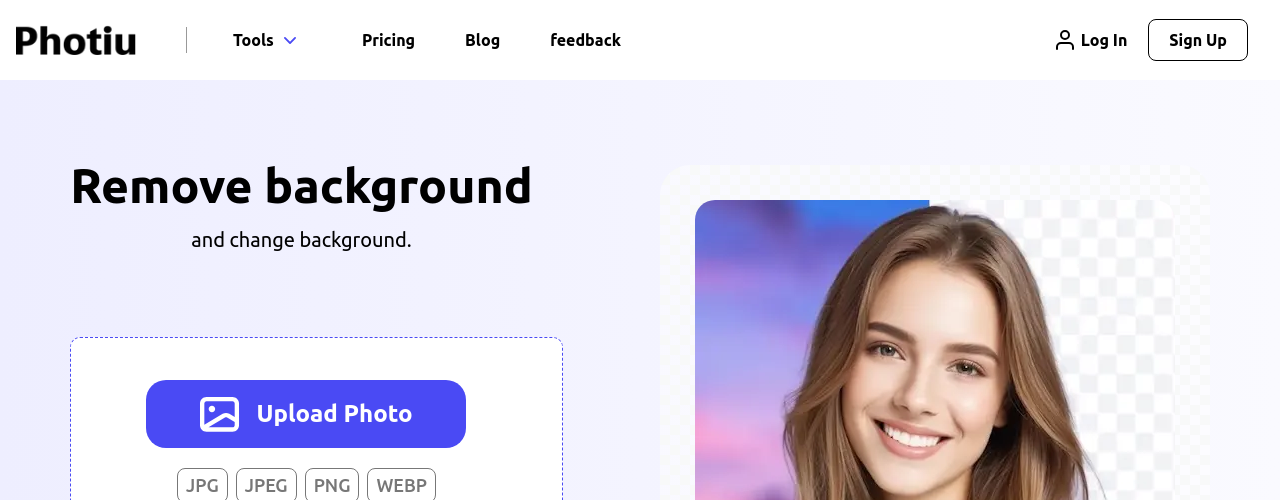
- ✓Background Remover: Remove backgrounds from images automatically
- ✓Image Upscaler: Increase image resolution and quality
- ✓Uncrop: Extend image borders using AI
Best For
Frequently Asked Questions
How many free images can I generate?
New users get 4 free credits on signup, and each generation uses one credit. After free credits run out, you need a paid plan. The Basic plan costs $7.99/month on annual billing or $9.99/month on monthly billing.
Can I use generated images commercially?
Commercial use requires the Pro plan at $15.99/month (annual) or $19.99/month (monthly). The Basic plan is for personal use only. If you're using Sketch To for client work, freelance projects, or selling generated images, you'll need Pro.
What types of images work best as input?
Clear line drawings with defined outlines produce the most consistent results. Very rough or abstract sketches may produce unexpected outputs. High contrast between sketch lines and background helps the model parse the input correctly. Photos work well for image-to-sketch conversion.
Does the tool run in the browser?
Yes, Sketch To is fully browser-based with no software installation needed. It works on desktop and mobile browsers, though desktop is recommended for uploading and reviewing detailed images.
What art styles are available?
Sketch To offers presets including realistic, anime, oil painting, and pencil sketch. You can also add custom text prompts alongside any preset to influence the final look. The style library expands over time with new options added regularly.
Pricing
Basic
- Own your creations
- Access to Standard Generation
- Image history saved
- Standard Quality Download
- 2400 credits per year (approx 1200 images)
- Personal use license
Pro
- Everything in Basic
- Commercial License Included
- Priority Support
- 4x More Credits (9600 credits/year)
- Priority email support
Credit Packs
- 200 credits for $15 ($0.075 per credit)
- 500 credits for $30 ($0.060 per credit, 20% off)
- 1000 credits for $45 ($0.045 per credit, 40% off)
- 2000 credits for $75 ($0.038 per credit, 50% off)
- Credits valid for 1 year from purchase
- No subscription required
- Can be purchased multiple times