AudioPen
Last updated:
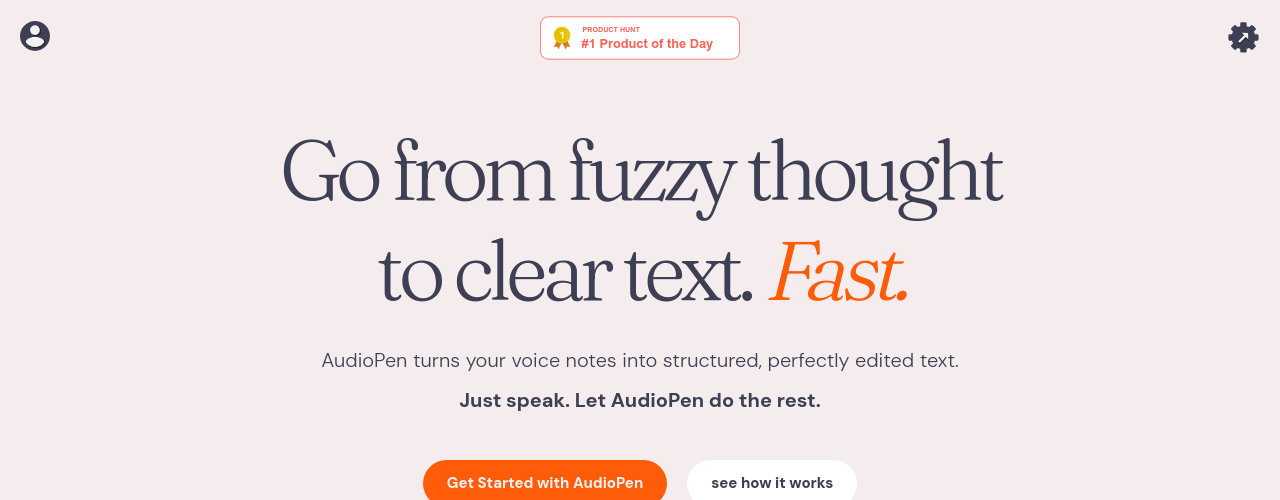
AudioPen is a voice-to-text writing assistant built for people who think out loud but struggle to write. Instead of transcribing your words verbatim, it rewrites your unstructured recordings into polished, structured text in any format you specify. You speak naturally, including rambling, changing direction, or mixing languages, and the tool handles the cleanup. It serves a wide range of users: professionals drafting emails after client calls, creators getting scripts and newsletters out of their heads, writers who dictate blog post foundations, and commuters who capture ideas hands-free. AudioPen supports recordings up to 15 minutes, unlimited note storage, custom writing styles, audio file uploads, and a SuperSummaries feature that combines multiple notes into one cohesive summary. The tool runs on iOS, Android, Chrome Extension, and a Mac app, with Zapier and webhook integrations for automating downstream workflows. A free tier is available with no credit card required. Paid access (AudioPen Prime) is a one-time purchase with no subscriptions or auto-renewals, starting at $33 for three months. It has over 200,000 users and a 4.9 out of 5 rating across 136+ reviews.
How It Works
1. Record: Open AudioPen on any platform (iOS, Android, Chrome, or Mac) and hit record. Speak freely with no need for structure. You can ramble, go on tangents, change your mind mid-thought, or mix languages. 2. Choose a style: Select an output format before or after recording. Options include simple and clear, formal email, bullet points, legal prose, or a custom style you define by uploading samples of your own past writing. 3. Get polished text: AudioPen rewrites your speech (it does not just transcribe) into a clean, formatted draft in the style you selected. Filler words and disorganized thinking are removed automatically. 4. Manage and extend: Save notes with unlimited storage, combine multiple notes into a SuperSummary, restyle existing notes in a new format, or upload pre-recorded audio files for processing. 5. Connect and automate: Use Zapier or webhook integrations to push finished notes into other tools like Notion, Slack, or email automatically.
Key Features
- ✓Voice-to-text transcription: Uses Whisper-based transcription with high accuracy
- ✓AI rewrite pass: Removes filler words and reformats speech into structured, readable text
- ✓Writing style selection: Choose from presets (email, LinkedIn, bullets, article) or define custom styles
- ✓Custom voice model: Upload past writing so AudioPen matches your personal tone
- ✓SuperSummaries: Combine multiple notes on the same topic into one coherent summary
- ✓Audio file upload: Upload existing recordings for transcription and rewriting (30 files/month on Prime)
- ✓Output length control: Adjust summary length from short to detailed
- ✓Restyle existing notes: Reprocess saved notes in a different writing style at any time
- ✓Zapier and webhook integration: Automatically push notes to Notion, Gmail, Slack, and more
- ✓Multi-language support: Transcription and rewriting in most major global languages
- ✓No auto-renewal pricing: One-time payments for 3-month, 1-year, or 2-year access
- ✓Cross-platform access: iOS, Android, Chrome extension, and Mac app
- ✓Upload and process text notes: Import existing text for restyling alongside voice notes
Best For
Frequently Asked Questions
Is AudioPen free?
Yes, the free plan includes recordings up to 3 minutes and storage for 10 notes. No credit card is needed to start. Most core features work on the free plan.
Does AudioPen use subscriptions?
No. AudioPen uses one-time payment plans: $33 for 3 months, $99 for 1 year, or $159 for 2 years. There are no auto-renewals. You pay once and decide whether to renew when the period ends.
What writing styles are available?
AudioPen includes presets for emails, LinkedIn posts, bullet summaries, articles, and more. Prime users can also create custom style definitions based on their own past writing to match their personal voice.
What is a SuperSummary?
SuperSummaries combine multiple notes on the same research topic into one coherent summary. This is particularly useful when you have recorded many short notes across different sessions about the same project or subject.
Can I upload existing audio files?
Yes, Prime users can upload up to 30 audio files per month for transcription and rewriting. This works for meeting recordings, voice memos, or any audio you want converted to text.
Pricing
Free
- Up to 10 voice notes
- Up to 3 minutes per recording
- No credit card required
Prime (3 Months)
- Up to 15 min per recording
- Unlimited note storage
- Custom writing styles
- SuperSummaries
- Audio file uploads
- Upload and process text notes
- Zapier and webhook integrations
- iOS, Android, Chrome, Mac
Prime (1 Year)
- Everything in Prime
- Most popular
Prime (2 Years)
- Everything in Prime
- Best value