Chatgot
Last updated:
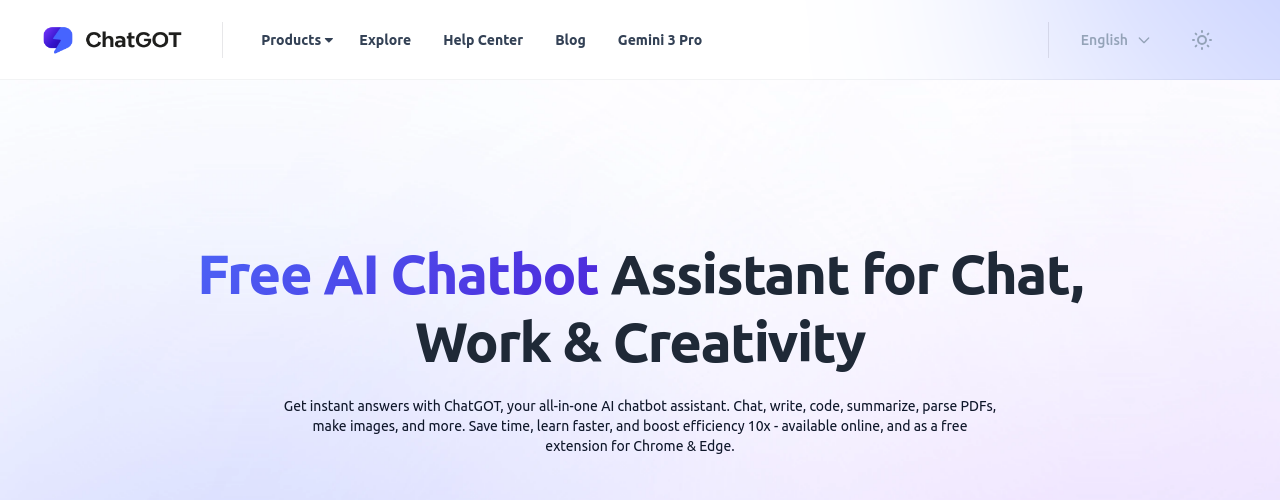
ChatGOT is an all-in-one AI productivity assistant built for users who want instant access to multiple AI models without the friction of account creation. The platform consolidates chat, writing, coding assistance, document analysis, image generation, and AI-powered search into a single interface. Users can start for free with no sign-up required, making it one of the more accessible AI tools available. The platform supports real-time web access so AI responses draw on current information rather than static training data. It also includes PDF chat, custom AI bot creation, AI Slides generation, and image understanding capabilities. ChatGOT markets itself as cross-platform, running on web browsers, Chrome and Edge extensions, and mobile and desktop apps. For heavier workloads, paid plans dramatically expand query limits, image generation credits, and AI Slides usage. The free tier is limited to 10 standard queries per day, which is suitable for light or trial use. Pro and Max tiers unlock thousands of queries per month along with priority response speeds and no daily caps.
How It Works
1. Visit chatgot.io on any browser or install the Chrome, Edge, mobile, or desktop app. No account creation is required to get started. 2. Type your prompt into the chat interface. You can ask questions, request written content, generate code, or upload a PDF to analyze. 3. ChatGOT routes your request to the appropriate AI model (such as GPT-4o mini or Claude 3 Haiku) and returns a response in real time. 4. Use the real-time web access feature to get answers based on current information from the internet rather than static model knowledge. 5. For image tasks, select the image generation mode, enter your prompt, and receive AI-generated visuals directly in the chat. 6. To create custom AI bots or use AI Pro Search, upgrade to a Pro or Max subscription through the pricing page. 7. Manage your subscription, switch plans, or access usage history from the Settings panel in the lower-left corner of the homepage.
Key Features
- ✓Multi-model access: Chat with GPT-4, Claude, Gemini, and other leading AI models from a single interface without switching accounts
- ✓Model tagging: Tag multiple AI bots in a single conversation to compare their responses to the same prompt side by side
- ✓PDF chat: Upload documents and ask questions about their content directly in the conversation with any AI model
- ✓Real-time web search: Switch to Web Access mode to get answers sourced from live internet search results
- ✓Image generation: Describe an image in the chat box and generate visuals using integrated AI image models
- ✓AI Slides creator: Generate presentation-style slide decks from text prompts using built-in AI slide tools
- ✓Custom AI bots: Create reusable assistants with defined personas, instructions, and behavior for recurring tasks
- ✓AI Pro Search: Enhanced search mode providing deeper, more structured results for research-heavy queries
- ✓Chat history: All conversations are automatically saved and searchable, with AI-generated titles for easy navigation
- ✓Voice input: Dictate queries to the AI using built-in voice recognition rather than typing
- ✓Multiple content formats: Responses include formatted tables, code blocks, mathematical equations, and standard prose
- ✓10 free queries per day: Free-tier access to GPT-4o mini and Claude 3 Haiku with no signup friction
Best For
Frequently Asked Questions
Which AI models are available in Chatgot?
Chatgot provides access to GPT-4, GPT-4o mini, Claude 3 Haiku, Gemini, and other models. The exact model roster evolves as new versions are added. Free users get access to standard models; paid plans unlock advanced model tiers and higher query volumes.
Can I compare multiple AI models on the same question?
Yes. You can tag multiple AI bots within a single conversation and each model responds to the same prompt. This makes it easy to compare tone, accuracy, or depth across models before committing to one output.
Is there a free plan?
Yes. The free tier includes 10 standard queries per day using GPT-4o mini and Claude 3 Haiku. There are no advanced queries, image generation, or AI slides on the free plan. The Pro plan at $9.90/month removes daily limits and expands access significantly.
What can I do with PDF upload in Chatgot?
You upload a PDF and the AI reads the full document content and answers your questions about it. This works with reports, contracts, research papers, or any text-heavy document. The analysis runs within the same chat conversation as your other queries.
Does Chatgot require multiple API keys to access different models?
No. Chatgot handles the API access to all supported models through its own subscription. You do not need to obtain or manage separate API keys for GPT-4, Claude, or Gemini — the platform provides access to all of them through your Chatgot plan.
Pricing
Free
10 standard queries per day. No advanced queries, image generation, AI Slides, Chat with PDF, Real-time Web Access, Custom AI Bots, AI Pro Search, or Chat with Images.
Pro
6,000 standard queries, 400 advanced queries, 300 standard images, 50 AI Slides credits, 50 advanced images. Chat with PDF, real-time web access, custom AI bots, AI Pro Search, chat with images. No daily limits, 2x faster response speed.
Max
8,000 standard queries, 500 advanced queries, 500 standard images, 100 AI Slides credits, 100 advanced images. All Pro features. No daily limits, 2x faster response speed.