Logic Sheet
Last updated:
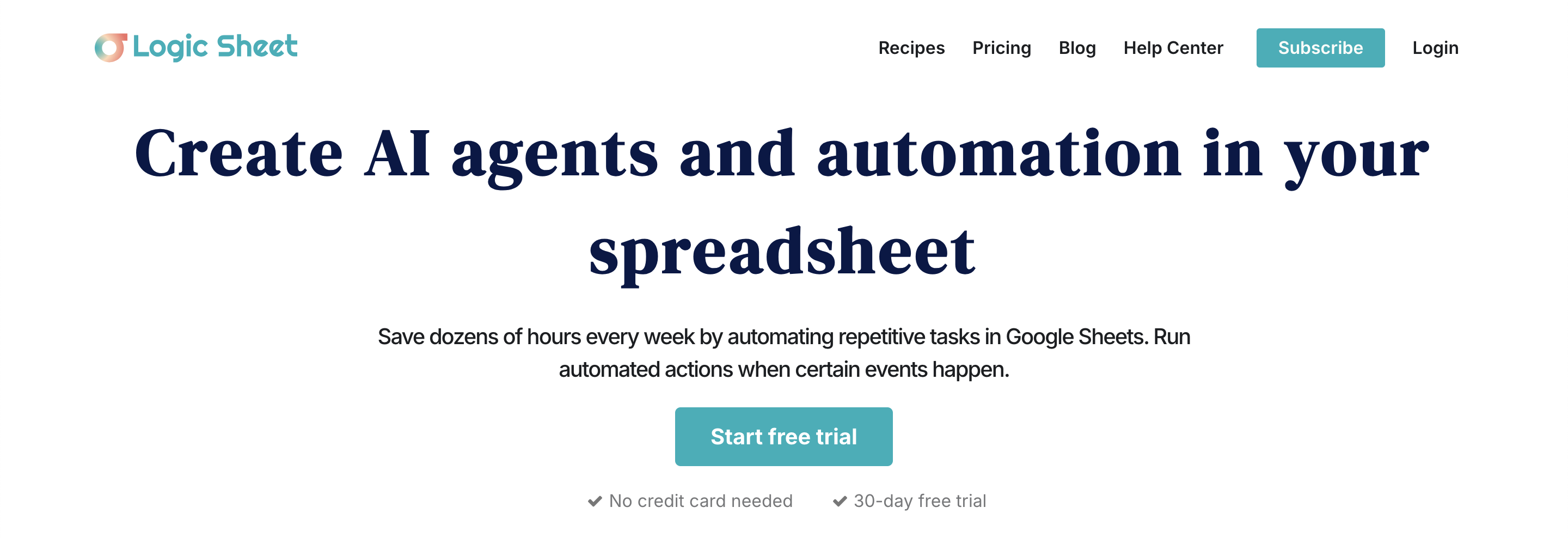
Logic Sheet is a no-code automation add-on for Google Sheets trusted by 200,000+ users worldwide. It lets individuals and teams build automated workflows directly inside Google Sheets, scheduling data updates, triggering email sends, running API calls, and managing spreadsheet-based processes without writing formulas or code. The target user already runs their operations in Google Sheets and wants automation without switching to a dedicated workflow tool. Logic Sheet keeps everything inside the spreadsheet, which means no new interface to learn and no data migration. It competes with tools like Zapier and Make for spreadsheet automation, but its native Sheets integration makes it faster to set up for Sheets-centric workflows. The free tier provides 5 executions per day after the 10-day unlimited trial, enough for light use or testing. Paid plans start at $11.92/month for individuals and scale to team and enterprise tiers for Google Workspace organizations.
How It Works
You install Logic Sheet from the Google Workspace Marketplace and open it as a sidebar within Google Sheets. You build automation rules by selecting triggers (a scheduled time, a row change, a form submission) and actions (send email, call an API, update another sheet, run a function). The visual interface walks you through each step without requiring formulas or code — you point at columns and configure conditions using dropdowns and fields. Automations are saved as workflows that run on Logic Sheet's cloud infrastructure, so they execute even when your spreadsheet isn't open. Each run counts as one execution against your daily quota. The Individual plan ($11.92/mo) offers unlimited executions for regular daily workflows. The Team plan ($9.90/user/mo) extends access to Google Workspace organizations with multiple users. The Enterprise plan covers unlimited users at $2,352/month for large-scale deployments.
Key Features
- ✓Visual workflow builder: Build automated spreadsheet workflows using a no-code interface inside Google Sheets
- ✓Scheduled triggers: Run automations on time-based schedules without manually opening your sheet
- ✓Email automation: Send emails triggered by spreadsheet events, row changes, or schedules
- ✓API connector: Call external APIs from your spreadsheet workflow without writing code
- ✓Row change triggers: Automatically react to new rows, updates, or form submissions in your sheet
- ✓Cloud-based execution: Workflows run on Logic Sheet's servers even when your sheet is closed
- ✓Native Google Sheets add-on: Installs directly from the Workspace Marketplace in one click
- ✓10-day unlimited free trial: Test all features without a credit card for 10 full days
- ✓Individual plan ($11.92/mo): Unlimited executions for solo operators and analysts
- ✓Team plan ($9.90/user/mo): Extend automation across Google Workspace organizations
- ✓200K+ users: Widely adopted with proven reliability across the Google ecosystem
- ✓Utilities and functions library: Pre-built utilities beyond basic trigger-action automation
Best For
Frequently Asked Questions
Does Logic Sheet require coding knowledge?
No. The visual interface lets you set up triggers and actions using dropdowns and fields. You configure automations by selecting columns, events, and actions without writing formulas or scripts.
What counts as an execution?
Each time an automation workflow runs counts as one execution. A daily scheduled workflow that sends an email counts as one execution per day. The free tier allows 5 executions per day after the trial ends.
Is there a free plan?
Yes. After the 10-day unlimited trial, the free tier continues with 5 executions per day — enough for light automations or ongoing testing before upgrading to a paid plan.
How is Logic Sheet different from Google Apps Script?
Logic Sheet provides a visual no-code interface that doesn't require JavaScript. Apps Script is more powerful but requires programming knowledge. Logic Sheet is faster to set up for non-developers who already work in Sheets.
Does Logic Sheet work when my spreadsheet is closed?
Yes. Workflows run on Logic Sheet's cloud infrastructure, so they execute on schedule even when your Google Sheet is closed or your computer is off.
What's the pricing for teams?
The Team plan is $9.90/user/month billed annually. The Enterprise plan is $2,352/month for unlimited users across a Google Workspace organization.
Pricing
Free
- 10-day unlimited free trial
- 5 executions per day after trial
- No credit card required
Individual
- Unlimited executions per day
- Unlimited automation workflows
- All utilities and functions
- Email and live chat support
- Billed annually at $143.04/yr (Early Access)
Team
- Unlimited executions per day
- Unlimited automation workflows
- For Google Workspace organizations
- Email and live chat support
- Billed annually at $594
Enterprise
- Unlimited users
- Unlimited executions
- All features included
- Email and live chat support
- Billed annually at $2,352/yr ($245/mo monthly billing)