Simplified
Last updated:
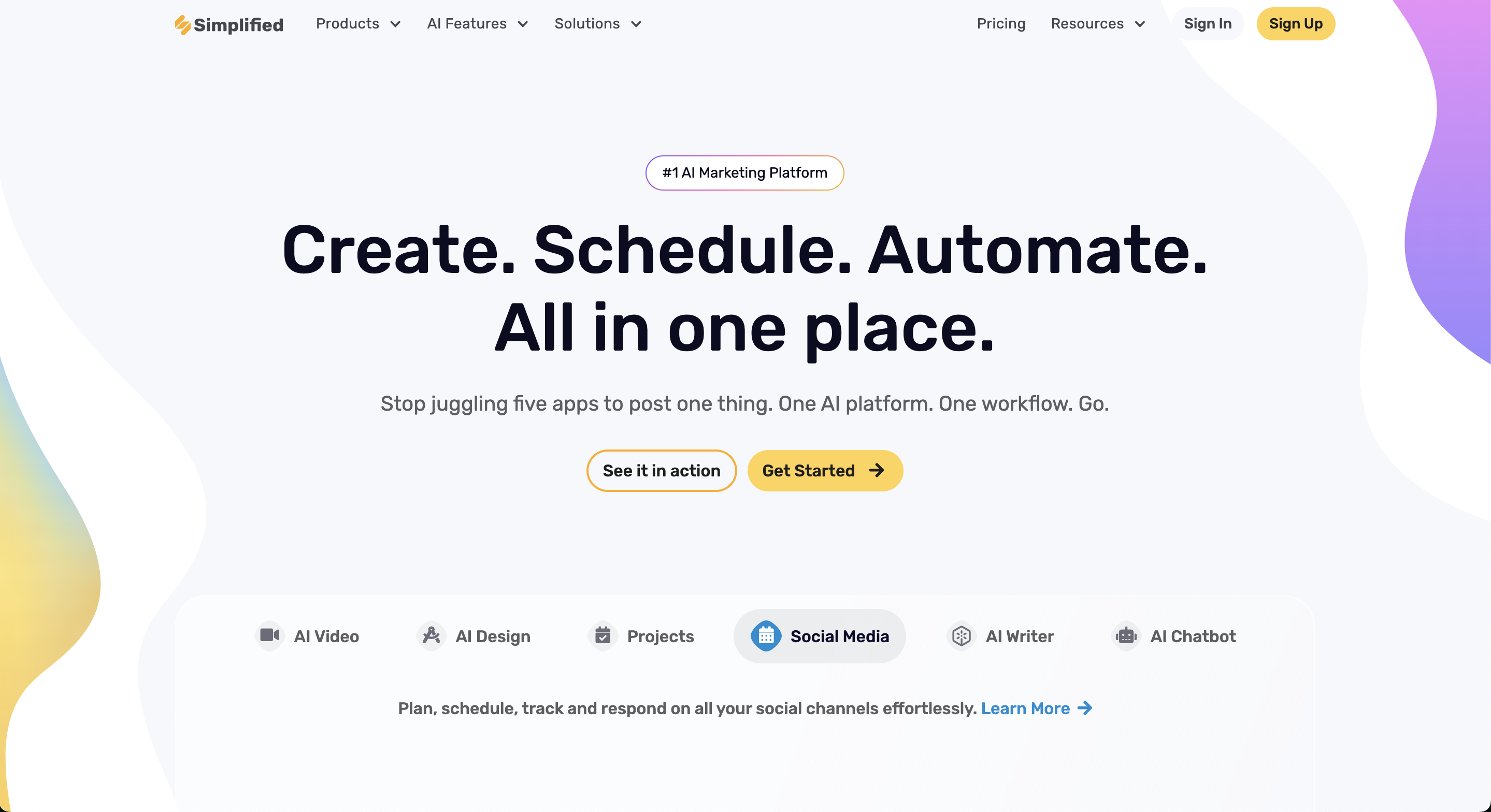
Simplified is an all-in-one content creation platform built by TLDR Technologies, Inc. The platform was designed to solve a specific problem: creative and marketing teams were paying for and context-switching between four or more separate tools — a design tool like Canva, an AI writer like Jasper, a video editor, and a social media scheduler like Buffer. Simplified packages all four into one subscription with a unified interface and shared AI credit system. The platform runs entirely on the web and has dedicated iOS and Android apps. Simplified integrates with TikTok, Instagram, YouTube, Facebook, LinkedIn, Twitter/X, Pinterest, and Google Drive. Its AI writing features use large language models to generate copy in 30+ languages and 10+ tones, while its image generation tools use Stable Diffusion (on Free and Pro plans) and DALL-E (on Business/Enterprise plans). An API is available on Enterprise plans for teams that need to embed AI writing or video generation into custom workflows.
How It Works
A user starts in Simplified's unified dashboard, which surfaces four main product areas: Graphic Design, AI Writer, Video Editor, and Social Media. Within the design area, they select from thousands of templates organized by format and customize them using a drag-and-drop editor. The AI tools are embedded directly into the design canvas: selecting text opens the AI Writer for instant caption or headline generation, and clicking Generate Image creates an AI image via Stable Diffusion or DALL-E that drops into the layout without leaving the editor. The video editor handles both short-form creation and long-form repurposing — users can upload existing video, generate automatic subtitles, add AI voiceovers, and use the AI Clips feature to extract short highlight reels for TikTok, Reels, or YouTube Shorts. Once content is created, it moves directly into the social media scheduler. Posts can be queued across up to 7 social accounts on Pro and 15 on Business, with a calendar view for planning, bulk scheduling import, and a social inbox that aggregates comments and DMs from connected platforms.
Key Features
- ✓AI Writer: generates blog posts, captions, ad copy, email subject lines, and article rewrites in 30+ languages and 10+ tones, with a Blog Wizard mode for long-form drafts
- ✓AI Image Generator: converts text prompts into images using Stable Diffusion (Free/Pro) or DALL-E (Business/Enterprise); multiple images can be generated simultaneously
- ✓Graphic Design Editor: drag-and-drop canvas with thousands of templates across social posts, ads, presentations, carousels, thumbnails, and memes
- ✓AI Presentation Maker: generates slide decks from prompts or outlines with customizable layouts and brand styling applied automatically
- ✓AI Carousel Generator: builds multi-slide carousels formatted for Instagram, LinkedIn, and other platforms directly from text input
- ✓AI Ads Generator: creates ad variations with platform-specific sizing and copy for Facebook, Instagram, Google, and LinkedIn campaigns
- ✓AI Thumbnail Maker: produces YouTube and social thumbnails from prompts or templates with one-click background removal and image upscaling
- ✓Video Editor: timeline-based editor supporting watermark-free exports at 1080p, voiceovers, transitions, animations, and video templates up to 30 minutes
- ✓AI Clips: uploads long-form videos or audio and extracts AI-curated short clips formatted for TikTok, Reels, and YouTube Shorts
- ✓AI Script to Video: converts written scripts into videos with AI-selected footage and narration for faceless content pipelines
- ✓AI Text to Speech: converts written text to voiceover audio with realistic voice options; Pro plan includes 120 minutes/month
- ✓AI Subtitle Generator: automatically transcribes and adds captions to uploaded videos with editable styling
- ✓Social Media Scheduler: schedules posts across 8 platforms, with a calendar view, bulk import, workflow approvals, and up to 10,500 queued posts on Enterprise
- ✓Social Inbox: centralizes comments and DMs from connected social accounts into a single dashboard for monitoring and response
- ✓Social Media Analytics: tracks performance data across connected accounts for content optimization
- ✓Brandbook: stores and applies brand assets (logos, color palettes, fonts) across all design and content outputs to maintain visual consistency
- ✓AI Workflow Automation: no-code automation builder that chains content creation steps (write, design, schedule) into single triggered workflows
- ✓Plagiarism Checker: verifies written content originality before publishing, available on AI Writer Pro plans and above
Best For
Frequently Asked Questions
What is Simplified and what does it do?
Simplified is an all-in-one marketing platform by TLDR Technologies, Inc. that combines AI writing, graphic design, video editing, and social media scheduling in a single subscription. Instead of paying separately for tools like Canva, an AI writer, a video editor, and Buffer, users manage the full content creation and publishing workflow inside one app, available on web, iOS, and Android.
Is Simplified free to use?
Yes. Simplified offers a Free Forever plan at $0/month with unlimited design projects, thousands of templates, 500MB storage, 3 connected social accounts, 5,000 AI writing words, and 100 AI design generation credits. The free AI quota is a one-time allocation that does not refresh monthly — users needing recurring AI output must upgrade to Pro at $29.99/month.
Who is Simplified best for?
Simplified works best for freelancers, solo content creators, and small marketing teams of two to five people who want to consolidate multiple content tools into one subscription. Social media managers who both create and schedule content get particular value.
How does Simplified compare to Canva?
Canva has a significantly deeper design tool set and 600,000+ templates versus Simplified's thousands. Simplified's edge is the unified workflow: AI writing, video editing, and social scheduling live in the same dashboard as design tools, while Canva requires separate tools for those functions.
What are the main limitations of Simplified?
AI credits (words, design generations, video minutes) are capped per plan and do not roll over month to month. Design tools do not match Canva's depth. Social analytics are basic compared to Sprout Social or Hootsuite. Add-ons for extra social accounts ($5/month each) and bulk scheduling ($19/month) can push costs above the listed base plan price.
Does Simplified have a mobile app?
Yes. Simplified is available on web, iOS, and Android. The mobile apps support design creation, AI writing, and social media scheduling, allowing users to create and publish content from a phone or tablet.
What AI models does Simplified use for image generation?
Simplified uses Stable Diffusion for AI image generation on Free and Pro design plans. DALL-E is available exclusively on Business and Enterprise design plans.
Pricing
Pro
- 1 seat
- 7 social media accounts
- 1 Brand Style & Voice
- 10K Generative AI credits/month
- AI words
- AI videos
- AI Video Repurpose
- AI subtitles
- 1 AI Agent
- AI Powered Content Creation
- AI Social Post Generator
- One Click Social Scheduling
- Social Planner & Calendar
- Social Media Analytics
- Unified Social Inbox
- 500 MB storage
Business
- 3 seats
- 15 social media accounts
- 2 Brand Styles & Voices
- 30K Generative AI credits/month
- Access to Simplified AI Workflows
- Simplified API Access
- Sharing & Collaboration Feature
- Instagram Product Tagging
- Priority AI Processing
- 5 AI Agents
- 30 GB storage
- Everything in Pro
Growth
- 5 seats
- 30 social media accounts
- 100K Generative AI credits/month
- Unlimited AI words
- Access to Simplified AI Workflows
- Bulk Social Posts Importing
- Advanced analytics & reporting
- Content Calendars
- Private Teamspaces
- Priority Support
- 10 AI Agents
- 1 TB storage
- Everything in Business
Enterprise
- 10+ seats
- 20+ social media accounts
- Unlimited AI Content Creation
- Simplified API Access
- SSO/SAML Support
- Workflow Automations
- Priority Support
- Training and onboarding session
- 30 AI Agents