Dubbing AI
Last updated:
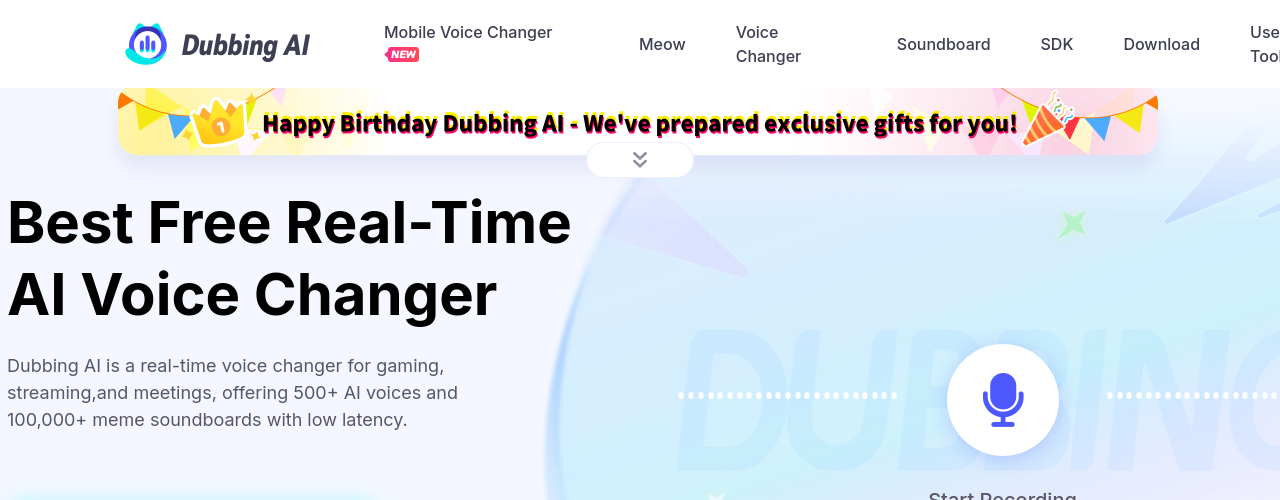
Dubbing AI is a real-time voice transformation platform designed for gamers, streamers, and social media creators who want to entertain audiences with expressive character voices. The tool uses deep learning to analyze and replicate the nuances of human speech, delivering high-quality voice conversions with a latency under 30 milliseconds so users can speak and hear the transformed voice almost instantly during live sessions. The library includes over 500 voice presets drawn from trending anime series, popular video games, and celebrity impersonations, and is regularly expanded with new additions. Beyond voice changing, Dubbing AI includes a soundboard with over 100,000 community meme sounds, a voice cloning feature for creating custom voices from uploaded audio files, an accent conversion tool, and utility tools including a vocal remover, instrumental remover, voice recorder, and audio converter. The software runs on CPU only, using just 5 percent of processing power, making it lightweight enough to run alongside demanding games. It is compatible with Windows, macOS, Android, iOS, and VR/AR platforms, and offers an SDK and API for developers.
How It Works
After downloading the Dubbing AI desktop app for Windows or macOS (or installing the mobile app on iOS or Android), users connect it as a virtual microphone input in any voice chat application, game lobby, or streaming platform. The AI engine captures the user's live microphone input and applies a selected voice preset in real time, converting speech characteristics including tone, pitch, and timbre to match the chosen character. The processing runs entirely on the local CPU at 5 percent utilization, with under 30 milliseconds of latency, so conversations and gameplay are not disrupted. Users browse a library of over 500 preset voices organized by category, including anime, games, and celebrities, and can switch between them on the fly. For custom voices, the voice cloning feature accepts an uploaded audio file and generates a unique cloned voice profile. A built-in soundboard lets users assign audio clips to hotkeys for one-tap playback during streams or calls.
Key Features
- ✓Real-time voice changing: Instant voice transformation with ultra-low latency under 30ms for live streaming, gaming, and calls
- ✓500+ voice library: Access over 500 unique voices including fictional characters, celebrity-inspired profiles, and distinct vocal archetypes
- ✓Platform integration: Works with streaming software, Discord, gaming platforms, and communication apps without rebuilding your setup
- ✓AI voice quality: Advanced audio processing that goes beyond simple pitch shifts for more natural-sounding results
- ✓Mid-session switching: Change voices on the fly during live sessions without interrupting your stream or call
- ✓Pre-recorded audio support: Apply voice transformations to recorded audio clips for YouTube, podcasts, and video content
- ✓Low-latency processing: Optimized to minimize audio delay with under 30ms latency so voice changes stay in sync with your content
- ✓Character voice profiles: Distinct voice models with unique tonal characteristics rather than generic audio filters
- ✓Lightweight CPU usage: Runs on just 5% of CPU power, making it compatible with resource-intensive games and streams
- ✓Creator-focused design: Interface built for streamers and content creators, not audio engineers
- ✓Soundboard: Built-in soundboard with 100,000+ community meme sounds and hotkey support for live content
- ✓Voice cloning: Upload audio files and generate a unique cloned voice profile for custom characters
Best For
Frequently Asked Questions
Does Dubbing AI work during live streams?
Yes. The tool is designed specifically for real-time use during live sessions. It processes voice transformations with minimal latency, so audio output stays in sync with your content whether you are streaming on Twitch, YouTube, or broadcasting from a gaming setup.
What platforms does it integrate with?
Dubbing AI works as a virtual audio device, making it compatible with most streaming software like OBS and Streamlabs, communication tools like Discord, Zoom, and Teams, and online games that use microphone input. You point the output to any app that accepts audio input.
Is there a free version?
Dubbing AI offers a free download with access to core voice changing features. Paid plans unlock the full 500+ voice library and advanced features. Check the app after downloading for current plan options.
How many voices does Dubbing AI include?
The library includes 500+ unique voices covering character styles, celebrity-inspired profiles, and distinct vocal archetypes. The selection spans different tones, accents, and personality types suited for different content genres and use cases.
Does it require downloading software?
Yes. Dubbing AI requires downloading the desktop app for Windows or macOS, or the mobile app for iOS or Android. After installation, it connects as a virtual microphone device in your preferred streaming, gaming, or communication app.
Pricing
Basic
- Limited voice library access
- Soundboard
- Basic voice changing
Standard
- Full access to 500+ character voices
- Voice cloning
- Soundboard
- Accent conversion
- All supported platforms
Premium
- Everything in Standard
- Priority access to new voices
- All advanced tools
Lifetime Premium
- Permanent Premium access
- All features included
- No recurring fees