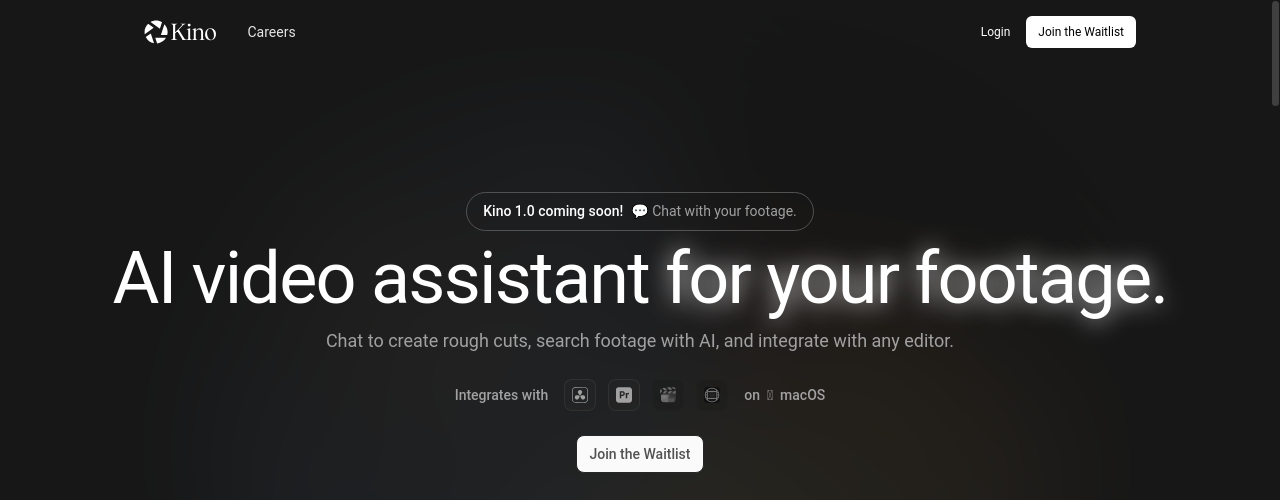
Kino AI
Last updated:
Kino AI is a browser-based video editor built around AI. Upload footage from your local drive, Google Drive, Dropbox, or Shade.inc, and Kino indexes everything so you can search by spoken words, visuals, or metadata in seconds. The AI tagging system automatically categorizes clips, while the agentic editing engine can assemble rough cuts based on a text prompt. The Free plan includes 5 hours of AI indexing and 500 chat credits per month. Pro unlocks additional indexing hours, 1,000 chat credits, 20 GB cloud storage, and the ability to share timelines as streamable URLs.
How It Works
Import existing projects from DaVinci Resolve (.dra), Premiere Pro (.prproj), or Final Cut Pro (.fcpbundle). Your timeline and media get transferred into Kino's browser-native editing environment, instantly gaining AI search, logging, and collaboration features. For new projects, upload footage directly. Kino processes every clip automatically: audio is transcribed, video content is described, people are detected and labeled, and the system generates clip-level metadata including titles, descriptions, and highlights. With the library indexed, you search using natural language ('the scene where he discusses pricing'), visual content, or person name. Kino surfaces the relevant clips immediately. Editing happens through a combination of a traditional timeline interface and a chat panel. Tag people, drag in clips, and issue instructions through conversation. The AI builds rough cuts, refines sequences, and adds to timelines based on your direction. Motion graphics are generated by describing what you want: a lower third, a title card, an animated background, and Kino creates it without footage.
Key Features
- ✓Browser-based editing: no software installation required, works in any modern browser
- ✓AI-powered search: find footage by spoken words, visuals, or metadata instantly
- ✓Smart tagging: AI automatically categorizes and labels clips on upload
- ✓Agentic editing: assemble rough cuts from a text prompt
- ✓Google Drive import: connect and import footage directly from Google Drive
- ✓Dropbox import: connect and import footage directly from Dropbox
- ✓Shade.inc import: integrate with Shade.inc for direct footage ingestion
- ✓Proxy storage: Kino transcodes footage into 720p proxies for browser-based playback and sharing
- ✓Credits system: AI operations consume credits, refreshed each billing cycle
- ✓Real-time collaboration: share timelines as URLs and edit together in real-time
- ✓Timeline editor: frame-accurate editing with a familiar timeline interface
- ✓Import from NLEs: import Premiere Pro and DaVinci Resolve projects and gain AI features instantly
- ✓Motion graphics: describe a lower third or title card and Kino generates it
- ✓Export: unlimited imports and exports on all plans
- ✓Enterprise plans: custom AI usage, unlimited proxy storage, dedicated account manager, custom billing
Best For
Frequently Asked Questions
What is included for free?
The full editor, unlimited imports and exports, Premiere Pro and DaVinci Resolve import, and real-time collaboration. Everything you need to edit locally. No credit card required.
What do I get by upgrading to Pro?
Three things: shareable links (your timeline and assets become URLs anyone can stream), searchable footage (every frame is transcribed, described, and indexed), and AI editing (build rough cuts through conversation, generate motion graphics on demand).
What are AI credits?
AI credits power transcription, scene detection, semantic search, chat, and motion graphics generation. Every plan includes a monthly amount that resets each billing cycle. Overages are billed at on-demand rates.
What is proxy storage?
Kino transcodes your footage into 720p proxies and backs them up to the cloud. This is what makes your timeline and assets shareable as URLs. Teammates and collaborators stream these proxies when local files are not available. Storage is based on how much proxy footage you host.
What happens if I exceed my plan?
You are never cut off. Overages are billed at on-demand rates.
Can I cancel anytime?
Yes. Cancel from your account settings. You keep access through the end of your billing period.
Pricing
Free
- 5 hours of AI Indexing per month
- 500 chat credits per month
- 2 GB Cloud Storage
Pro
- Everything in Free, plus:
- 5 hours of AI Indexing (then $1.89 per hour)
- 1,000 chat credits (then $0.01 per credit)
- 20 GB Cloud Storage (then $20 per 1 TB)
- Google Drive, Dropbox & Shade.inc import
Enterprise
- Everything in Pro, plus:
- Custom AI usage
- Unlimited proxy storage
- Dedicated account manager
- Custom contract and billing