quso.ai
Last updated:
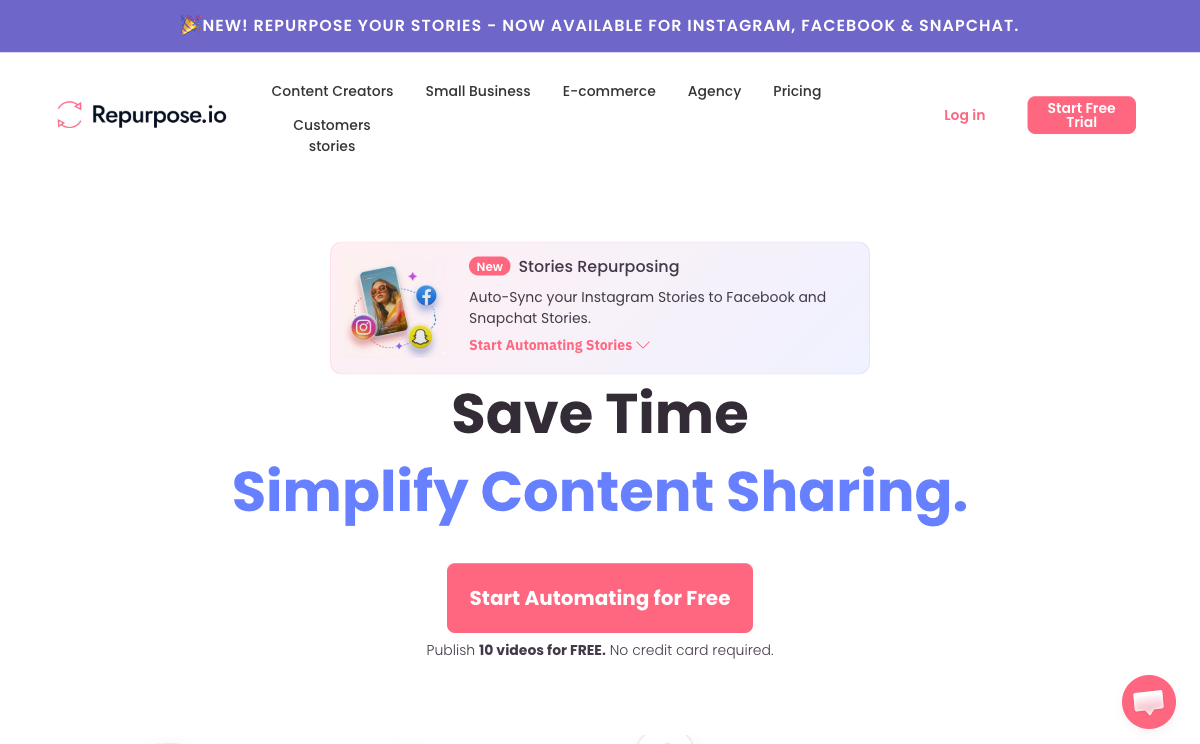
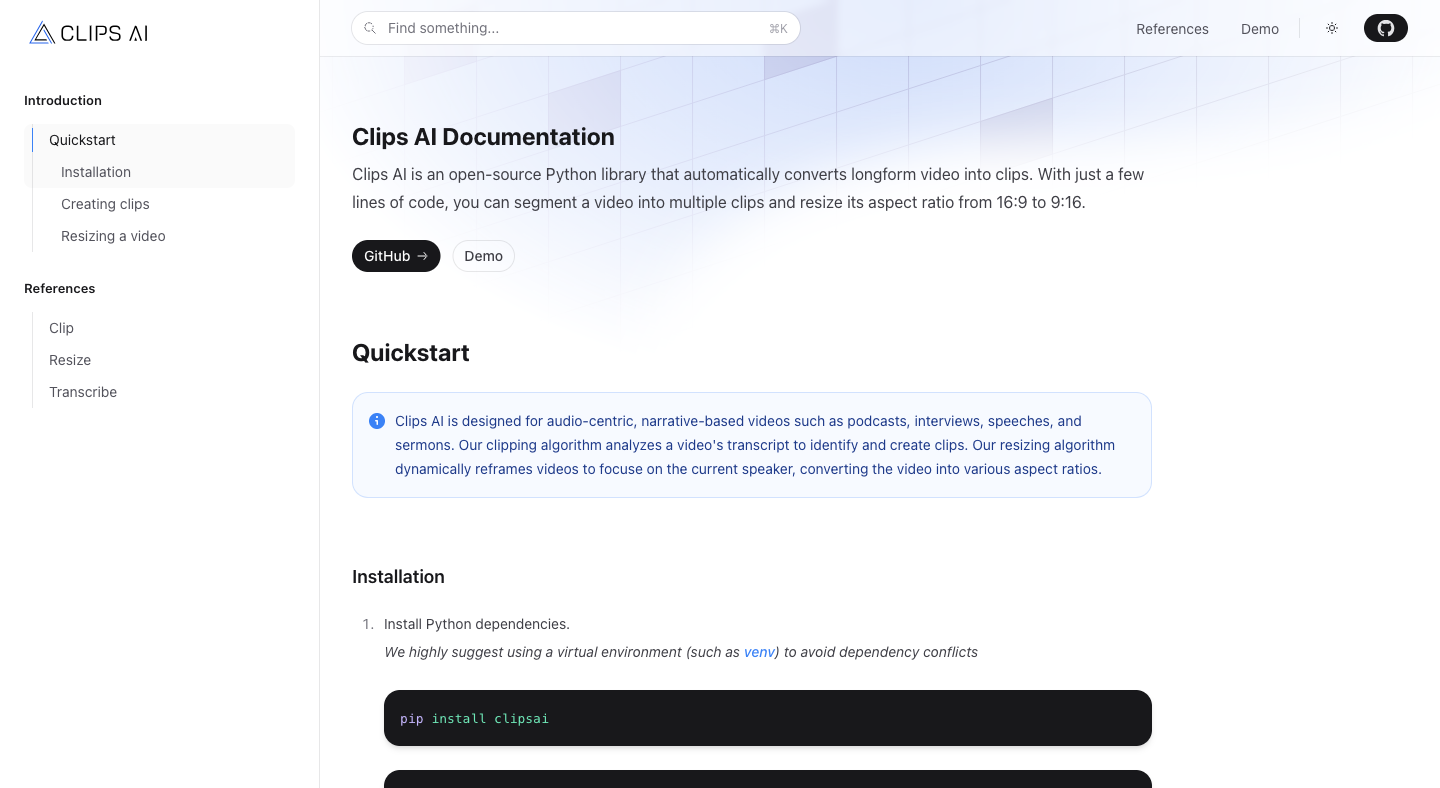
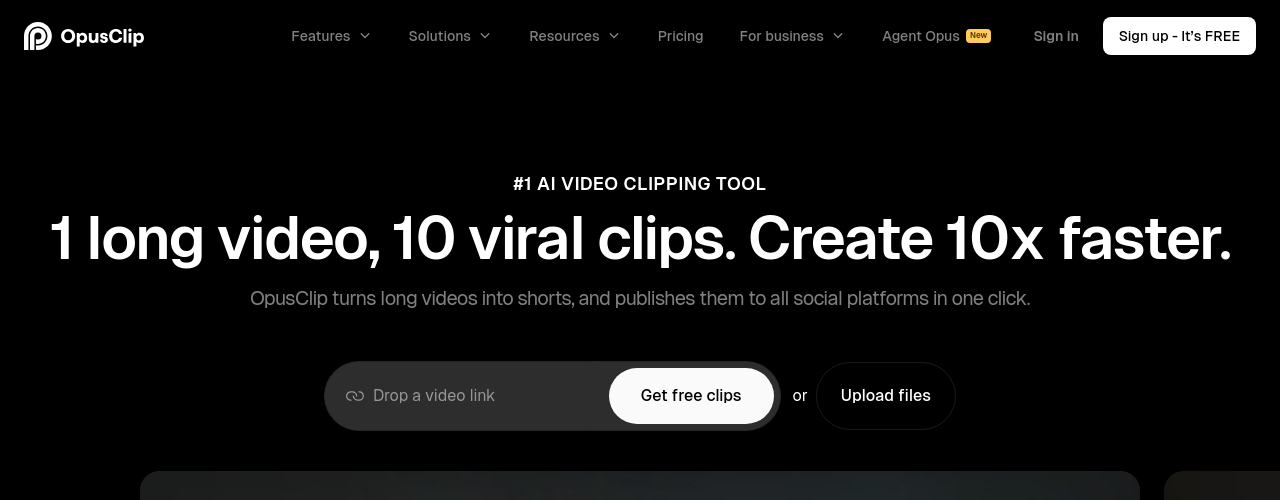
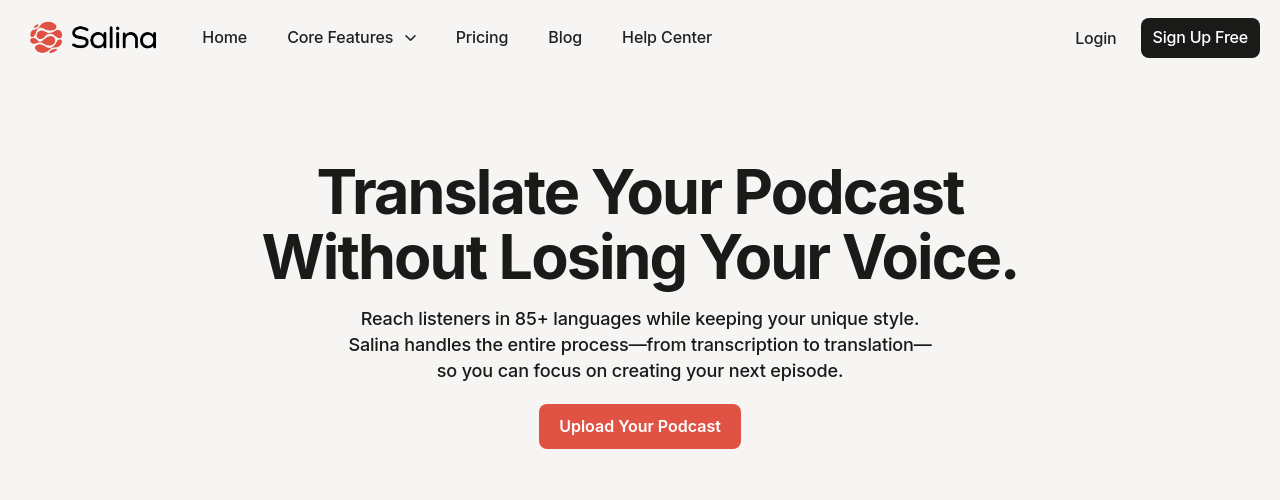
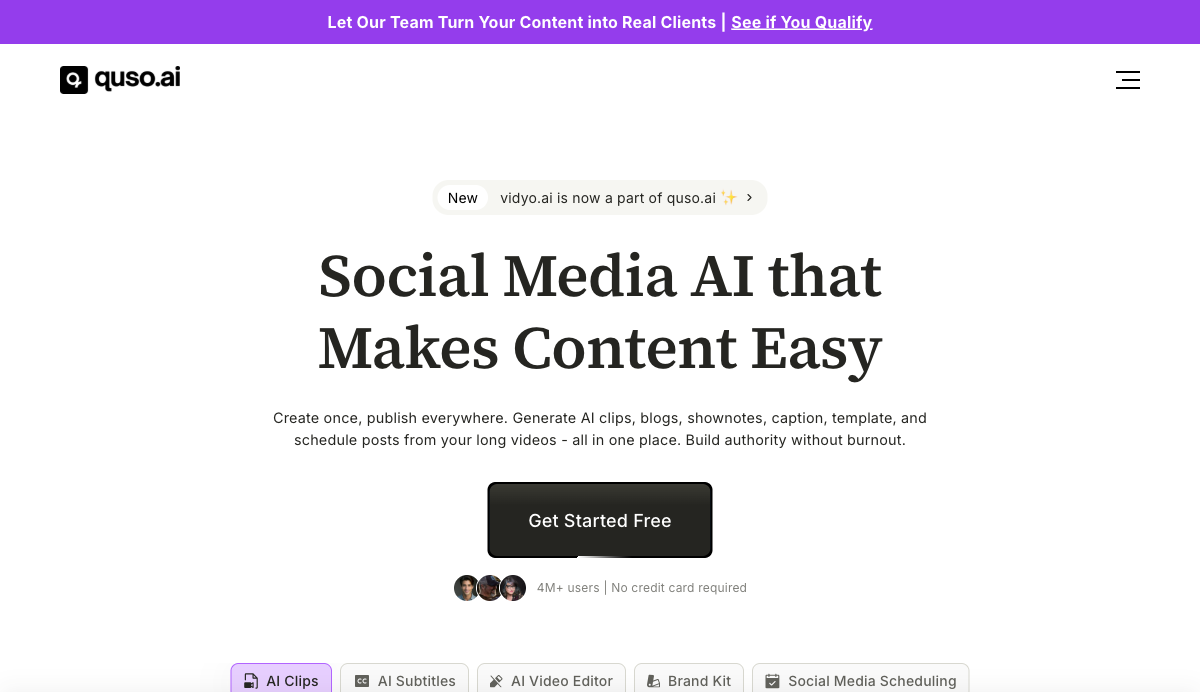
quso.ai is a social media AI platform that handles video repurposing, content creation, and scheduling across 7 platforms from a single dashboard. Formerly known as vidyo.ai, it has expanded from video clipping into a full content operations suite used by over 4 million users globally. The platform positions itself as a replacement for five separate tools: Repurpose.io, Opus Clip, Hootsuite, Veed.io, and Podsqueeze, with pricing starting at $0/month on a permanent free tier. The platform's core differentiator is the combination of long-to-short video AI with a built-in social media scheduler. Where Opus Clip stops at clip generation and Hootsuite stops at scheduling, quso.ai handles both in one credit-based workflow. The AI Clips Generator transcribes and scores long videos for virality, then auto-generates captions, resizes to 9:16/16:9/1:1, and queues for publishing. The Essential plan and above also include AI Influencer (80+ AI avatars), AI Filler Word Removal, AI Writer, and CutMagic smart scene detection. Users span coaches, podcasters, educators, real estate professionals, e-commerce brands, and marketing agencies. Reported outcomes from published customer stories include a 200% follower increase on LinkedIn (Andrew Frazier, Business Coach), 150% subscriber growth from 6K to 15K on YouTube (Alessandro Cecere, Marketing Manager), and $2,400 saved per month in production costs (Ryan Carthage, Founder). The platform supports English, Spanish, German, and French, with more languages noted as coming soon. quso.ai operates with a credit-based consumption model. The Growth plan (the "Popular Choice" tier) provides 600 to 1,800 credits per month at $25/month billed annually or $40/month billed monthly, with 75 GB of storage and unlimited social post scheduling. Team members and extra social sets are available as paid add-ons across all paid plans.
How It Works
Start by uploading a video directly (MP4, M4V, MOV, or WEBM up to 5 GB on free, 15 GB on paid plans) or pasting a YouTube URL. The AI transcribes the video and runs it through a virality scoring model to identify the strongest clips. On the Essential plan and above, CutMagic smart scene detection further refines cuts by detecting scene transitions automatically. From the clip editor, choose from subtitle styles used by top creators, resize to any platform ratio, add brand logos, colors, and fonts from the Brand Kit, and layer in B-roll from the integrated royalty-free stock library. AI Filler Word Removal strips "umms" and "uhhs" from the transcript. Custom Clips lets you manually select any segment using timestamps or the transcript editor rather than relying on AI suggestions. Publishing runs through the AI Social Media Manager, which connects to 7 platforms: TikTok, Instagram, YouTube, LinkedIn, Facebook, Twitter/X, and Pinterest. The Growth plan supports bulk publishing, where you can queue dozens of posts at once. The AI Content Planner replaces spreadsheet-based calendars, and AI Social Captions generates platform-specific captions and hashtags in your brand voice with one click. Social Media Analytics tracks performance back from each published post. For text-first workflows, AI Influencer generates video content from a script using one of 80+ AI avatars, removing the need for a camera or crew. The AI Writer generates blog posts, show notes, and social captions from the same source video, so a single long-form recording can produce short clips, a blog post, captions, and scheduled posts in one session.
Key Features
- ✓AI Clips Generator: Transcribes long videos and scores segments for virality, generating short clips with auto-captions and multi-ratio resizing (16:9, 9:16, 1:1) in Full HD 1080p
- ✓CutMagic: Smart scene detection AI that identifies cut points automatically, reducing manual editing time on long-form recordings
- ✓AI Filler Word Removal: Detects and removes filler words (umms, uhhs, silence gaps) directly from the video transcript on Essential plans and above
- ✓AI Influencer (AI Avatars): Creates talking-head video content from a script using one of 80+ AI avatars, requiring no camera or crew setup
- ✓Social Media Scheduler: Schedules and publishes posts to 7 social platforms with one-click publishing; Growth plan supports unlimited scheduling and bulk publishing
- ✓AI Content Planner: Calendar-based content planning tool that replaces spreadsheets; included on Essential plans and above
- ✓Social Media Analytics: Tracks post performance across connected platforms, available on Essential plans and above
- ✓AI Social Captions: Generates captions, trending hashtags, and post descriptions in your brand voice for any platform with one click
- ✓Brand Kit: Stores brand logos, custom colors, and fonts for automatic application to all clips and templates; included on all paid plans
- ✓B-Roll Library: Integrated royalty-free stock images, videos, and audio tracks available directly in the video editor
- ✓Intelliclips: AI feature that finds the highest-quality moments in uploaded content automatically, available on paid plans
- ✓Multi-lingual Subtitles: Supports subtitle generation in English, Spanish, German, and French, with additional languages noted as coming soon
Best For
Pricing
Free
- 75 credits/month
- 720p video quality
- Watermark on exports
- TikTok publishing only
- 1 Social Set
- AI Clips
- AI Captions
- YouTube Chapters
Lite
- 100 credits/month
- 1080p Full HD
- No watermark
- 7 platform publishing
- 1 Social Set
- Brand Kit
- Intelliclips
- Custom Clips
- B-Roll Library
- $15/mo billed annually
Essential
- 300 credits/month
- 1080p Full HD
- No watermark
- 7 platform publishing
- 1 Social Set
- Everything in Lite
- AI Influencer (80+ avatars)
- AI Filler Word Removal
- AI Content Planner
- AI Writer
- CutMagic
- Social Media Analytics
- $20/mo billed annually
Growth
- 600-1800 credits/month
- 1080p Full HD
- No watermark
- 7 platform publishing
- 1 Social Set
- Everything in Essential
- 75 GB storage
- Unlimited scheduling
- Bulk publishing
- Priority support
- $25/mo billed annually