8 Best AI Music Video Generators in 2026


8 Best AI Music Video Generators in 2026
Spending 6+ hours stitching clips, syncing beats, and color grading a single music video means fewer uploads, fewer collabs shipped, and slower audience growth. Production work that doesn't appear on screen is time you don't get back.
We evaluated over 200 AI tools in our directory, comparing features, pricing, and real user feedback to find the 8 best options for creators ready to scale their music video output. Kling AI came out on top for growth-stage creators who want cinema-quality results without a production crew. Its Motion Control feature syncs character movement to audio, and its 3.0 Omni model generates visuals, voice, and sound effects simultaneously.
Quick Picks
| Tool | Best For |
|---|---|
| Kling AI | Cinematic AI-generated music videos |
| Higgsfield | Multi-model video experimentation |
| AudioX | Music-to-video synchronization |
| Artta AI | All-in-one creative production |
| Atlabs | Character consistency across scenes |
| A2E AI Videos | Free AI video generation |
| Captions | Adding captions and dubbing to music videos |
| Pictory AI | Repurposing music content into video |
Full Comparison
| Tool | Best For | Starting Price | Key Feature |
|---|---|---|---|
| Kling AI | Cinematic music videos | $6.99/mo | Motion Control + native audio |
| Higgsfield | Multi-model experimentation | $15/mo | 15+ AI models in one platform |
| AudioX | Music-to-video sync | $7.50/mo (annual) | AI mood detection + beat sync |
| Artta AI | All-in-one production | $19.90/mo | Sora 2 + Suno V5 in one workspace |
| Atlabs | Character consistency | $15/mo | Persistent character casting |
| A2E AI Videos | Free video generation | Free (30 credits/day) | Face swap + lip sync + 4K |
| Captions | Captions and dubbing | $9.99/mo | 100+ caption styles + 30 languages |
| Pictory AI | Content repurposing | $25/mo (annual) | ElevenLabs voices + Getty library |
Kling AI: Best for Cinematic AI-Generated Music Videos
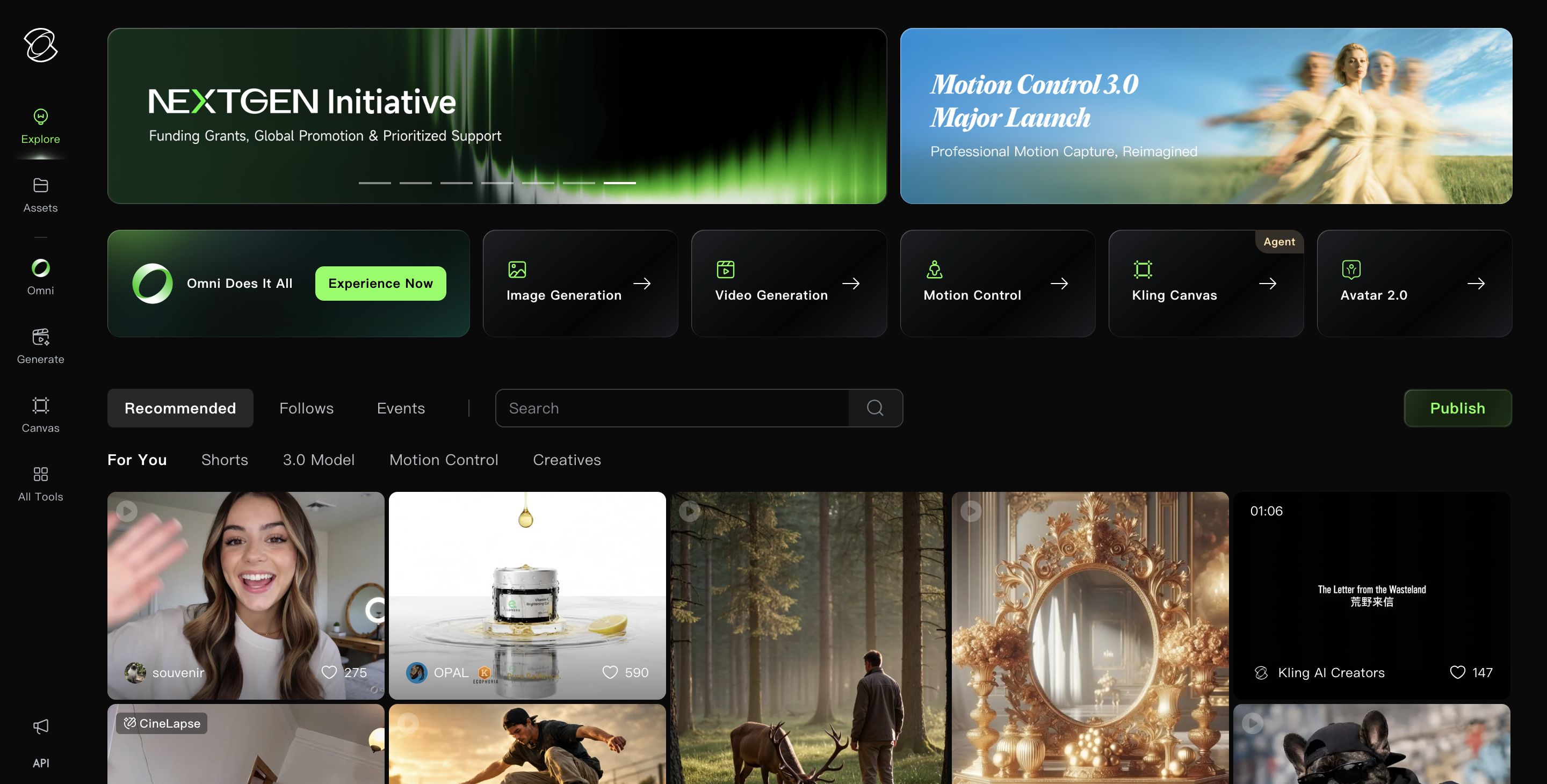
Kling AI earns the top spot on this list by capability: the 3.0 Omni model generates visuals, voiceovers, and sound effects simultaneously, cutting the need for post-production audio layering. Its Motion Control feature handles dance choreography, gesture sync, and lip sync within a single generation pass. With 22 million users (Cybernews), it has the largest user base on this list.
Key features:
- Motion Control for dance, gesture, and lip-sync choreography
- Multi-element editing with up to 4 reference images for character consistency
- 1080p output at 30fps with video extension up to 3 minutes
- Native audio generation (voiceovers, sound effects, music alongside visuals)
Pricing: Basic plan is free but includes no monthly credits and no commercial use. Standard starts at $6.99/mo (660 credits). Pro costs $25.99/mo (3,000 credits). Premier and Ultra scale to $127.99/mo.
Pros:
- Photorealistic human motion that reviewers describe as "in a different league" compared to alternatives (Product Hunt, Cybernews)
- Multi-aspect ratio output (16:9, 9:16, 1:1) with no re-editing required
- Motion Control feature spawned millions of viral dance clips on TikTok and Instagram
Cons:
- 40-60% of prompts fail or include distortions, requiring multiple regenerations (Fluxnote)
- No built-in editing timeline; you must stitch clips in a separate editor
- Quality degrades past 30-60 seconds with character drift and lighting shifts
Higgsfield: Best for Multi-Model Video Experimentation
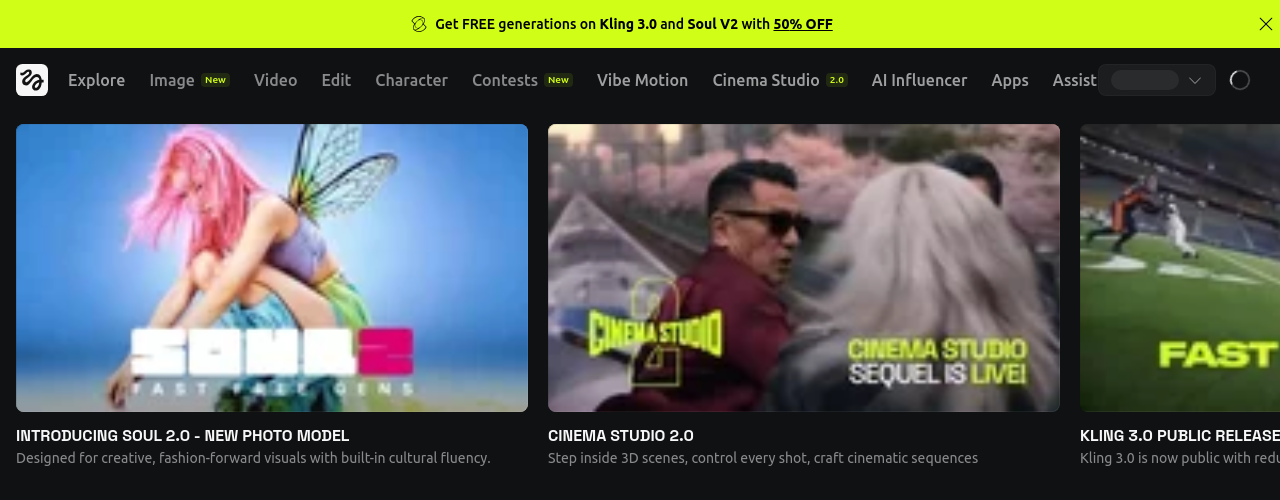
Higgsfield aggregates 15+ AI video models (Sora 2, Veo 3.1, Kling 3.0, Seedance 1.5 Pro) under a single subscription, so you can test the same prompt across different engines and pick the best output. For music video creators, the 70+ cinematic camera presets (dolly zoom, orbit, crane shot, steadicam push) add production value that typically requires a physical camera rig.
The AI video market hit $788.5 million in 2025 and is projected to reach $1.04 billion in 2026 (Grand View Research). Higgsfield's multi-model approach suits creators who want access to the latest models without managing separate subscriptions.
Key features:
- Cinema Studio 3.0 with virtual camera bodies, anamorphic lens simulation, and depth of field
- Soul ID for consistent character appearance across clips up to 30 seconds
- Face swap and lip sync studio for personalized music video performers
- Model comparison tool to test prompts across engines side by side
Pricing: Free plan offers limited access. Starter costs $15/mo (200 credits). Plus is $25/mo (1,000 credits, billed annually). Ultra scales to $52/mo (3,000 credits). Business starts at $31/seat/mo.
Pros:
- Single subscription replaces 5+ separate AI video tool accounts
- 70+ cinematic camera presets produce genuinely professional camera movement
- 20 million users with $1M+ in creator payouts through the Higgsfield Earn program
Cons:
- Trustpilot reviewers (3.2/5 across 1,200+ reviews) report hidden caps on "unlimited" plans and 4-10 hour wait times
- Checkout defaults to annual billing, and the no-refund policy applies after a single generation
- X account suspended in February 2026 after backlash over content attribution practices (No Film School, The Register)
AudioX: Best for Music-to-Video Synchronization
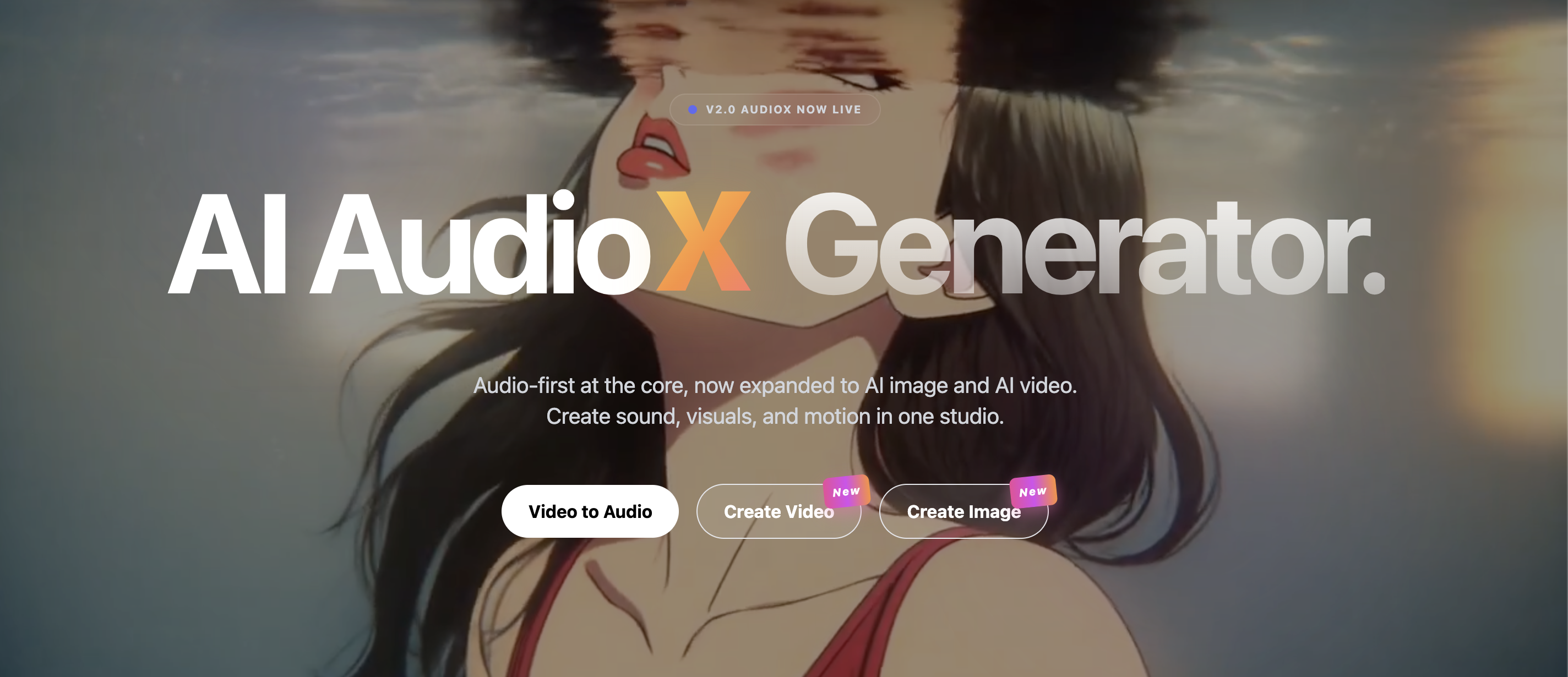
AudioX is the only tool on this list built specifically for audio-visual synchronization. Its video-to-music feature analyzes the mood, pace, and emotional content of uploaded video, then generates a matching soundtrack. The reverse workflow also works: feed it a music track and generate synced visuals.
The platform aggregates models from Suno (music), ElevenLabs (voice), and Veo 3.1 (video), with 30+ music style options and emotional control sliders that let you fine-tune output without musical training.
Key features:
- Video-to-music AI that detects mood, pace, and energy curves for automatic soundtrack generation
- 30+ music styles with multi-track editing and emotional tone controls
- Platform-specific export presets for YouTube, TikTok, and Instagram
- Voice cloning and sound effects generation alongside music
Pricing: Free plan gives 3 credits at signup, then 1 per day (non-commercial). Starter costs $14.99/mo ($7.50/mo billed annually, 250 credits). Professional is $29.99/mo ($15/mo annual, 650 credits). Enterprise and Ultimate scale to $99.99/mo.
Pros:
- Zero learning curve for music-to-video sync; no musical background required
- Full commercial rights and ownership on all generated content
- Browser-based workflow with no software installation
Cons:
- Advanced features like batch export are locked behind paid plans
- Small user base (10,000 creators) compared to Kling's 22 million
- Limited independent review data; no verified G2 or Trustpilot aggregate rating
Artta AI: Best for All-in-One Creative Production
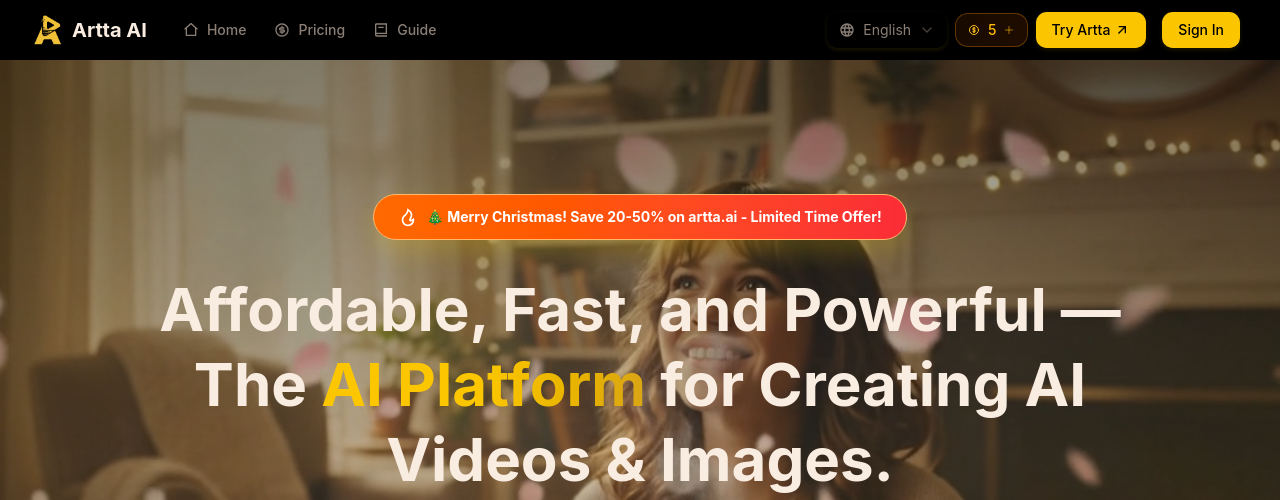
Artta AI consolidates video, image, music, and voice synthesis into a single credit-based workspace. Users report saving $200-500/month by replacing separate subscriptions for each creative function. The platform runs Sora 2 and Veo 3.1 for video, Flux Kontext for images, ElevenLabs for voice, and Suno V5 for music, all from one dashboard.
For music video creators, generating a backing track with Suno V5 and matching visuals with Veo 3.1 in the same session removes the context-switching that costs growth-stage creators up to 40% of their productive time.
Key features:
- 10+ AI models across video, image, music, and voice in one platform
- Suno V5 integration for original music composition
- 4K image output with 95% facial recognition accuracy for character consistency
- Daily free credit with no subscription or credit card required
Pricing: Free plan gives 1 credit per day (no signup required). Basic costs $19.90/mo (200 credits, up to 20 videos). Pro is $39.90/mo (500 credits). Max and Pro Max scale to $99.90/mo (2,100 credits, up to 210 videos).
Pros:
- All-in-one workspace eliminates the need for 3-5 separate AI tool subscriptions
- Ships 3-4 significant updates per month with rapid model integration
- 35% faster video generation compared to earlier platform versions
Cons:
- 5-10 second video length cap per clip (expandable to 20-30 seconds); not viable for full music videos without stitching
- No footage editing capability; generates from scratch only
- No G2, Capterra, or Trustpilot reviews; independent validation is difficult
Atlabs: Best for Character Consistency Across Scenes
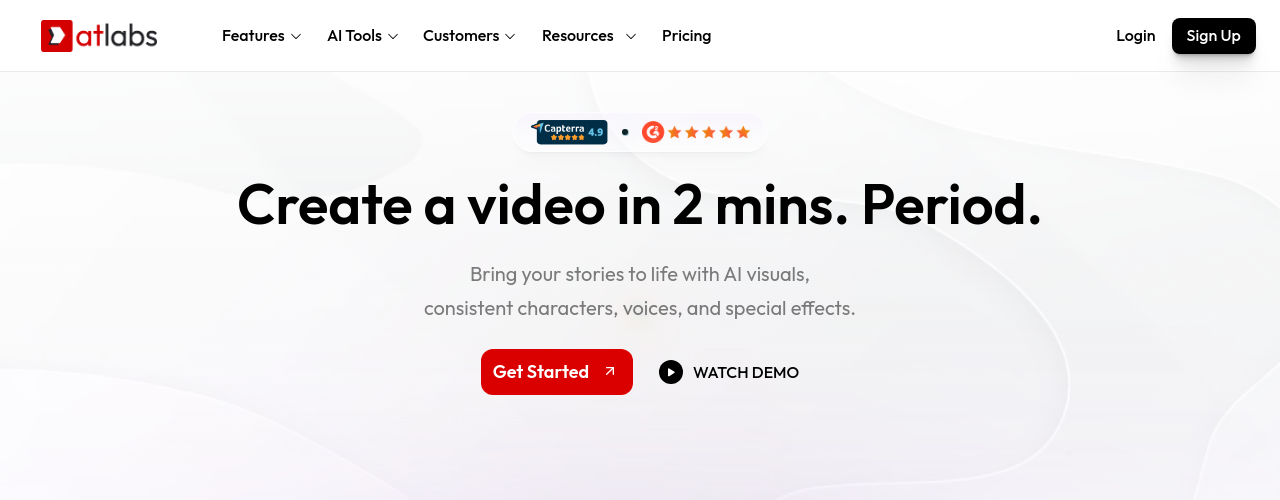
Atlabs addresses one of the core limitations in AI-generated music videos: characters that change appearance between scenes. The Cast system maintains consistent character identity across every shot, so your AI performer looks the same from verse to chorus to bridge. Atlabs holds a Capterra rating of 5.0/5 across 50,000+ users globally and earns consistently strong reviews for its script-to-storyboard workflow.
G2 reviewers note that "unlike other AI tools where the character changes in every shot, Atlabs lets you create a consistent actor that stays the same throughout the entire video." Users report creating complete videos for approximately $10 each on average.
Key features:
- Cast system for persistent character appearance across every scene
- AI lip sync with voiceovers in 40+ languages
- 50+ built-in visual styles with custom model training on Pro plans
- Adobe Premiere Pro export for professional post-production
Pricing: Free plan includes base video creation. Lite starts at $15/mo (1,800 credits/year). Pro costs $29/mo (4,200 credits/year) and adds character casting and AI lip sync. Plus is $59/mo. Max scales to $189/mo. Enterprise pricing is custom.
Pros:
- Character consistency across scenes is a genuine differentiator for multi-scene music videos
- Script-to-storyboard speed lets you create a full video from a script in minutes
- Direct Premiere Pro export for teams that finish in professional editing software
Cons:
- Limited voice options: few American female voices and no custom voiceover import (G2 reviews)
- Non-intuitive audio controls make removing or modifying background tracks difficult
- Credit consumption increases significantly with high-end video models
A2E AI Videos: Best for Free AI Video Generation
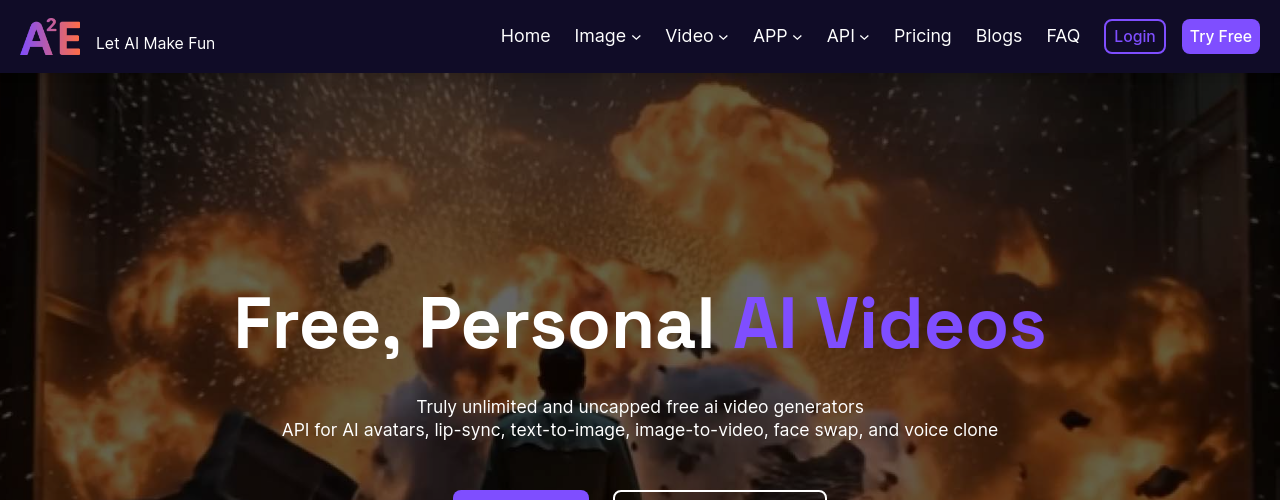
A2E AI Videos offers the most accessible entry point for creators testing AI music video production before committing to a paid plan. The free tier provides 30 daily credits with no signup required, enough to generate several test clips per day.
With 71% of creators now using AI video for first drafts before refining manually (AutoFaceless AI), A2E's free tier functions as a practical prototyping layer for music video concepts.
Key features:
- Image-to-video generation up to 4K using Wan 2.6, Kling, and Seedance models
- Face swap and head swap for creating AI performer avatars
- Lip sync with GAN-based mouth reconstruction
- Voice cloning in 50+ languages with cross-language translation
Pricing: Free plan gives 30 daily credits (watermarked, 720p). Pro starts at $9.90/mo ($8.25/mo annual, 1,800 credits). Ultra costs $39/mo (9,000 credits, 4K output). Max is custom-priced for enterprise.
Pros:
- Free daily credits with no signup make it the easiest platform to test immediately
- 4K output and face-swap capabilities on paid plans
- Community-driven updates with a responsive development team
Cons:
- Developer-oriented interface lacks social media publishing integrations
- Content flagging system produces false positives, incorrectly flagging stylized visuals
- No refund policy, and output quality varies significantly by prompt (Trustpilot)
Captions: Best for Adding Captions and Dubbing to Music Videos
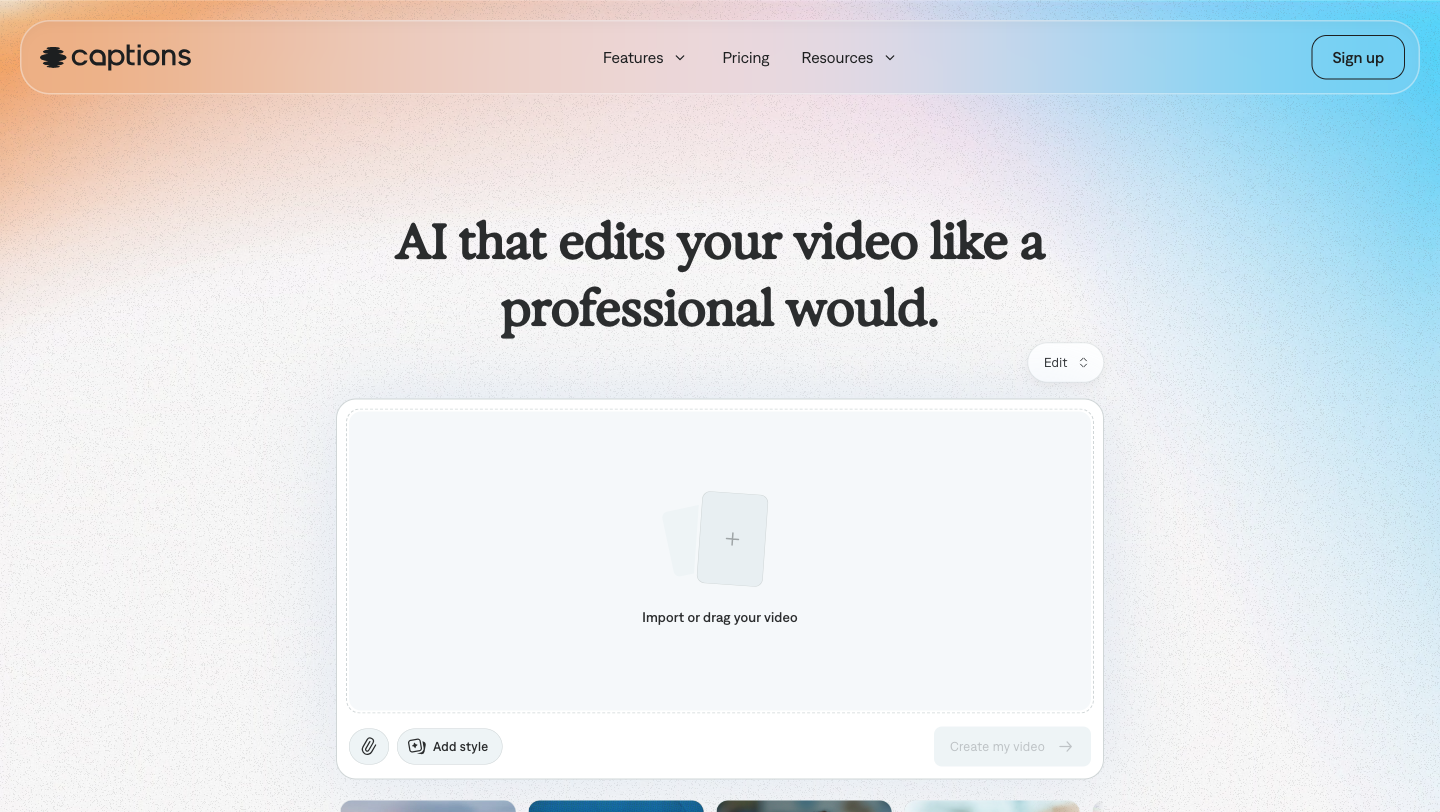
Captions handles the post-production layer of music video creation: auto-captioning, translation, and dubbing. If you have footage and need lyric captions, international translation, or dubbed narration in 30+ languages, Captions covers it in a single workflow.
78% of marketing teams use AI-generated video in at least one campaign per quarter (AutoFaceless AI). For music creators expanding into international markets, Captions' dubbing feature preserves the original speaker's tone across languages.
Key features:
- 100+ caption template styles with word-level animation and emphasis
- AI dubbing and translation in 30+ languages with tone preservation
- 20+ AI Edit styles that apply complete visual treatments in one click
- Chat-based editor for natural-language editing commands (Max and Scale plans)
Pricing: Free plan covers basic trimming and transitions (watermarked, 1 caption template). Pro starts at $9.99/mo (100+ caption templates, no watermark). Max costs $24.99/mo (500 credits, AI Edit styles, AI avatars). Scale is $69.99/mo (1,400 credits).
Pros:
- Caption quality and customization that "significantly outperform native captioning tools on social platforms" (eesel AI)
- End-to-end workflow from script to recording, editing, and global distribution
- Accessible editing for creators without video production experience
Cons:
- Audio goes out of sync on export, a critical limitation for music video use cases (Trustpilot)
- iOS-first platform; desktop and Android versions lag in features and project syncing
- Mirage platform switch removed approximately 95% of previously available features, per user reports
Pictory AI: Best for Repurposing Music Content into Video
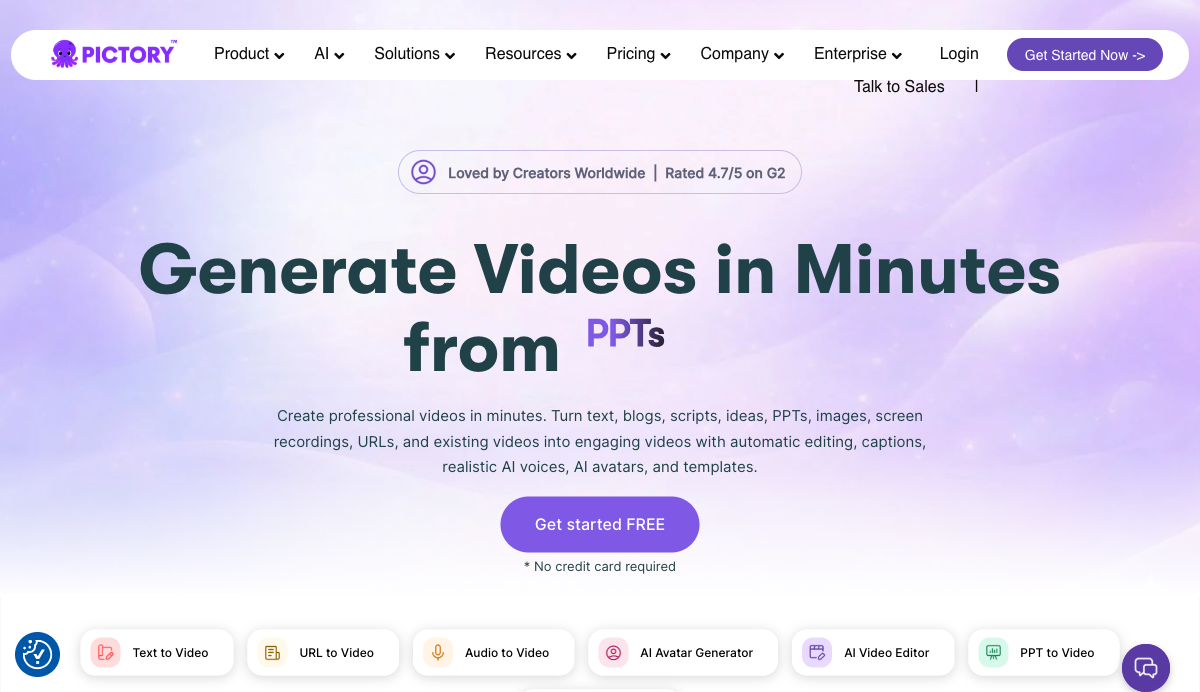
Pictory AI suits music creators who want to turn existing content (blog posts, scripts, podcast recordings, press kits) into promotional video. Rated 4.8/5 on Capterra (162 reviews) and 4.6/5 on G2 (81 reviews), Pictory converts text or audio into scene-by-scene storyboards with AI-matched visuals from its 18 million asset library.
If you need tools to animate still images into video clips for your music projects, see our roundup of the 6 Best Image to Video AI Tools in 2026.
Key features:
- Script-to-video and URL-to-video automation with AI-matched visuals
- ElevenLabs AI voices in 29 languages (60-240 minutes/month depending on plan)
- Auto-highlight feature that creates short-form clips from longer videos
- 18 million Getty Images and Storyblocks assets on Professional plans and above
Pricing: 14-day free trial (no credit card required). Starter costs $25/mo billed annually ($29/mo monthly, 200 video minutes). Professional is $35/mo annual ($59/mo monthly, 600 video minutes). Team scales to $119/mo annual. Enterprise is custom.
Pros:
- "The availability of ElevenLabs voice library and Getty Images make Pictory hard to beat" (verified Capterra review)
- Auto-highlight and repurpose feature converts long music videos into social clips automatically
- Beginner-friendly interface requires no video production knowledge
Cons:
- AI frequently selects irrelevant visuals, requiring manual scene-by-scene swaps (Capterra, G2, Trustpilot)
- No multi-audio-file support per scene, limiting music video workflows that need different tracks per section
- Credit-based pricing creates surprise limits with no monthly upgrade option
How We Chose These Tools
We evaluated over 200 AI tools in the 60minuteapps.com directory to find the 8 best options for music video creation. Every tool on this list exists in our database with verified pricing, feature documentation, and category tagging. No tools were invented or pulled from external sources.
Our evaluation focused on four criteria: music video-specific features (audio sync, character consistency, multi-scene editing), pricing accessibility for growth-stage creators earning $500-$5,000/month, real user feedback from G2, Capterra, Trustpilot, and Product Hunt, and production speed for solo creators going from concept to finished video.
AI video adoption increased 342% year-over-year in 2025-2026, and monthly active users across AI video platforms surpassed 124 million in January 2026 (AutoFaceless AI). We ranked tools based on their applicability to music video workflows, not just general video generation capability.
Related AI Tools
Captions
Captions is an AI video editor that transforms raw footage into finished videos, generates captions in 100+ languages, and creates AI avatars and digital twins.
Kling AI
Kling AI is Kuaishou's AI creative studio for video, image, and audio generation. It produces text-to-video and image-to-video content up to 1080p with strong character consistency, motion control, lip-sync, and native audio generation. The Kling 3.0 series introduces VIDEO 3.0 and VIDEO 3.0 Omni with multimodal instruction support. Paid plans start at $6.99 per month with a permanent free basic tier available.
Atlabs
Atlabs is an AI video creation suite that turns text, scripts, audio files, or existing videos into polished, fully-edited videos in minutes. It combines AI-generated visuals, consistent characters, auto lip-sync, voiceovers in 40+ languages, and full editing control, all powered by 50+ top AI models including Veo 3.1 and Kling.
Frequently Asked Questions
People Also Ask
Found this article helpful?
Share it with others or upvote to help more people discover it.