Flowjin
Last updated:
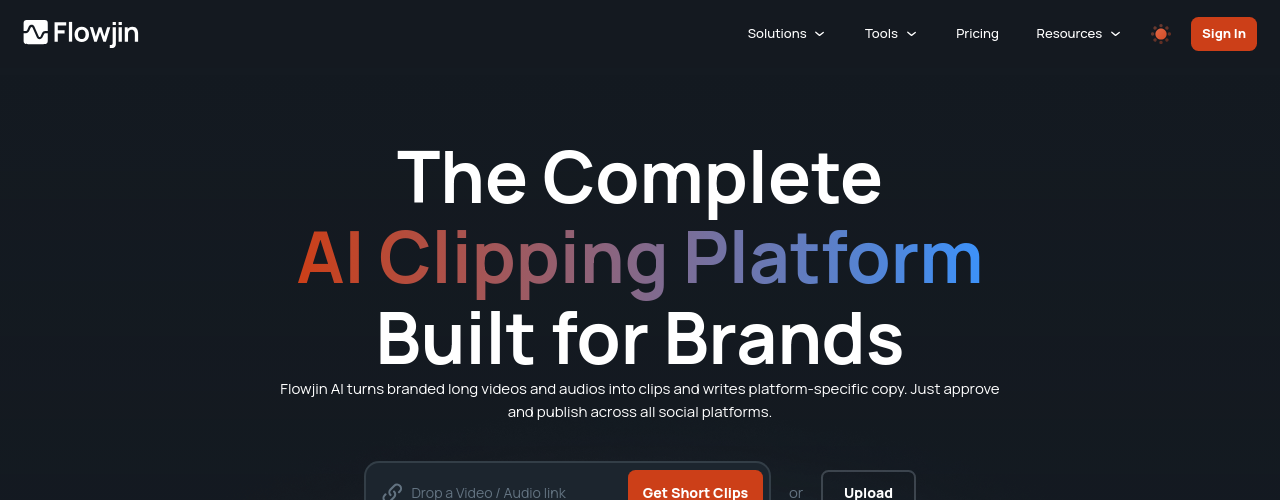
Flowjin is a complete AI clipping and content repurposing platform built for brands, marketers, and content creators. It ingests long-form video and audio content (webinars, podcasts, interviews, YouTube videos) and uses AI to identify the most shareable moments, automatically generating 6-12 captioned clips per upload. Beyond clipping, Flowjin consolidates tools that would otherwise require separate subscriptions: video editing, social media scheduling, content repurposing, social copywriting, quote graphics, and transcription are all available in one platform. The AI writes platform-specific posts (titles, descriptions, hashtags, and CTAs) tailored for LinkedIn, YouTube, and X. Features include smart crop with speaker tracking, auto captions, AI B-roll, multiple aspect ratios (9:16, 1:1, 16:9), and a built-in social media scheduler for direct publishing. The platform supports English, Spanish, Portuguese, French, Dutch, German, and Italian media. It claims over 10,000 marketers as users, with more than 87,000 pieces of content uploaded and 38,000 videos generated.
How It Works
Flowjin follows a three-step workflow. First, the user uploads a long video or audio file such as a podcast, webinar, or recorded interview. The AI analyzes the media and automatically identifies the most clip-worthy moments, drafting 6-12 captioned clips with smart cropping and speaker tracking applied. Second, for each clip, Flowjin's AI writes platform-specific social copy (including titles, descriptions, hashtags, and calls-to-action) tailored separately for LinkedIn, YouTube, and X, so users can tweak rather than write from scratch. Third, the user reviews, edits if needed, approves the clips and copy, then schedules or publishes directly to social platforms without leaving Flowjin. Audio content follows the same pipeline: podcasts are converted into audiograms and quote clips, with social copy pre-written for each platform. The entire process is designed to move from raw recording to published social content in minutes.
Key Features
- ✓AI Clip Generation: automatically generates 6-12 short clips per upload with smart moment detection
- ✓Audio and Video Support: works with both video and audio-only podcast content
- ✓Speaker Tracking: AI keeps the active speaker in frame throughout each clip
- ✓Smart Cropping: converts landscape footage to vertical (9:16) and square (1:1) automatically
- ✓Animated Captions: auto-generates styled, animated captions from the transcript
- ✓Social Copy Generator: creates titles, captions, and platform-specific descriptions for each clip
- ✓Audiogram Builder: turns audio-only recordings into branded audiograms with waveform visuals
- ✓Brand Templates: apply custom colors, fonts, and layouts consistently across all clips
- ✓Multi-Platform Import: import from YouTube, Twitter Spaces, podcast RSS feeds, and direct uploads
- ✓Clip Editor: fine-tune trim points, swap captions, and adjust visuals before export
- ✓1080p Export: full HD export on all paid plans with unlimited clip downloads
- ✓Multi-Language Support: supports multilingual content for creators targeting global audiences
Best For
Frequently Asked Questions
Does Flowjin have a free plan?
Yes. Flowjin offers 60 minutes of one-time free processing credit with watermarked 720p exports and up to 5 clip exports. Projects expire after 5 days on the free plan. Paid plans start at $19 per month or $114 billed annually.
Can Flowjin handle audio-only podcasts?
Yes. Flowjin processes both video and audio-only files. For audio content, it builds audiograms with speaker visuals and waveform animations. This makes it one of the few clip tools that serves traditional audio podcasters as well as video creators.
How many clips does Flowjin generate per upload?
Flowjin automatically generates 6 to 12 short clips from each upload based on detected high-engagement moments. Users can then review, edit, and export only the clips they want to publish.
What resolution are Flowjin exports?
The free plan exports at 720p with a watermark. The Starter plan exports at 720p without a watermark. Creator plan exports at full 1080p HD. Unlimited clip exports are included on all paid tiers, so there is no per-clip fee on monthly or annual plans.
What social platforms does Flowjin support for publishing?
Flowjin supports scheduling and publishing to major social platforms. Clips export in vertical (9:16), square (1:1), and landscape formats for TikTok, Reels, YouTube Shorts, LinkedIn, and Twitter.
Pricing
Free
- 60 minutes one-time processing credit
- Watermarked 720p exports
- Up to 5 clip exports
- Projects expire after 5 days
Starter
- 150 minutes/month
- 720p exports
- Unlimited clip exports
- Custom templates
- Social scheduler
- Projects expire after 60 days
Creator
- 300 minutes/month
- 1080p Full HD export
- AI B-roll
- Up to 30 posts/month on X
- Projects never expire